 VideoVerified
Question List To Audience Motion Clip
Works with: Claude Code, Cursor, OpenCode, Codex, Gemini CLI


All premium skills for $9.99/month. Cancel anytime.
Upgrade nowUse it to make a video.
npx skillloom-cli install sl-inputs-converge-to-one-motion-clip
Built for
Updated Oct 10, 2026

 VideoVerified
 VideoVerified
 VideoVerified
 VideoVerified
 VideoVerified
 VideoVerified
 VideoVerified
 VideoVerified
You say
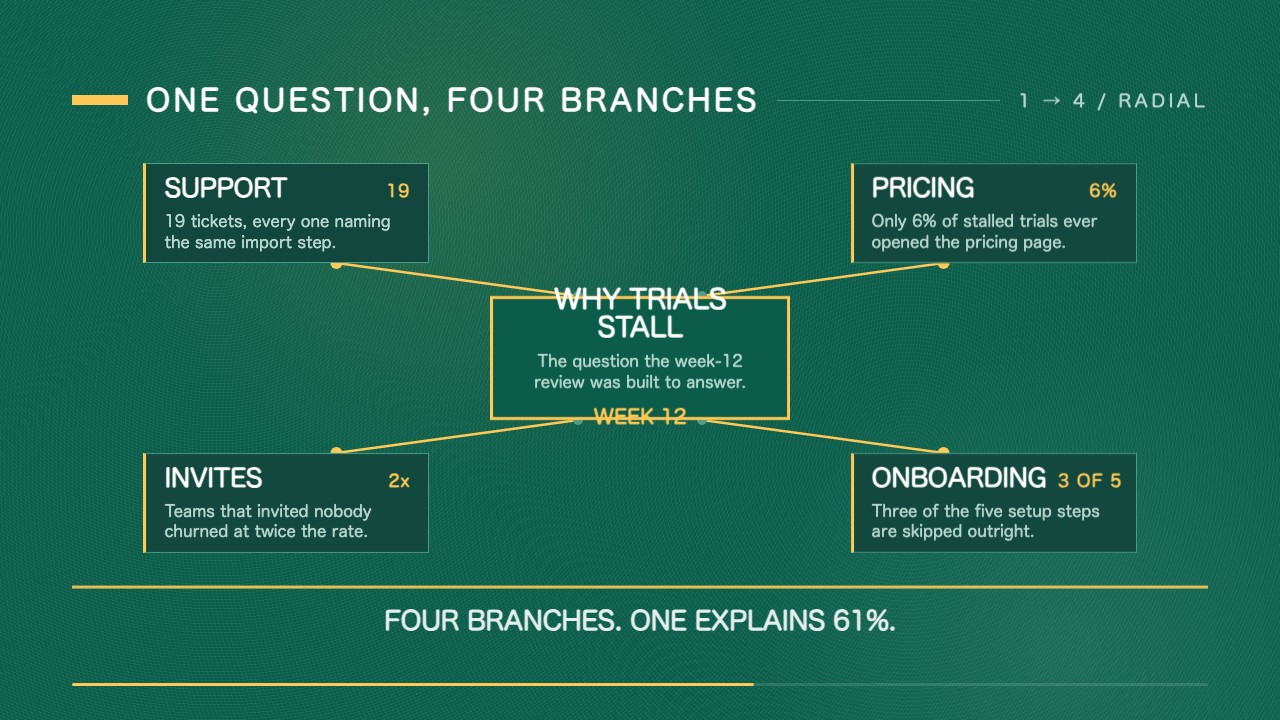
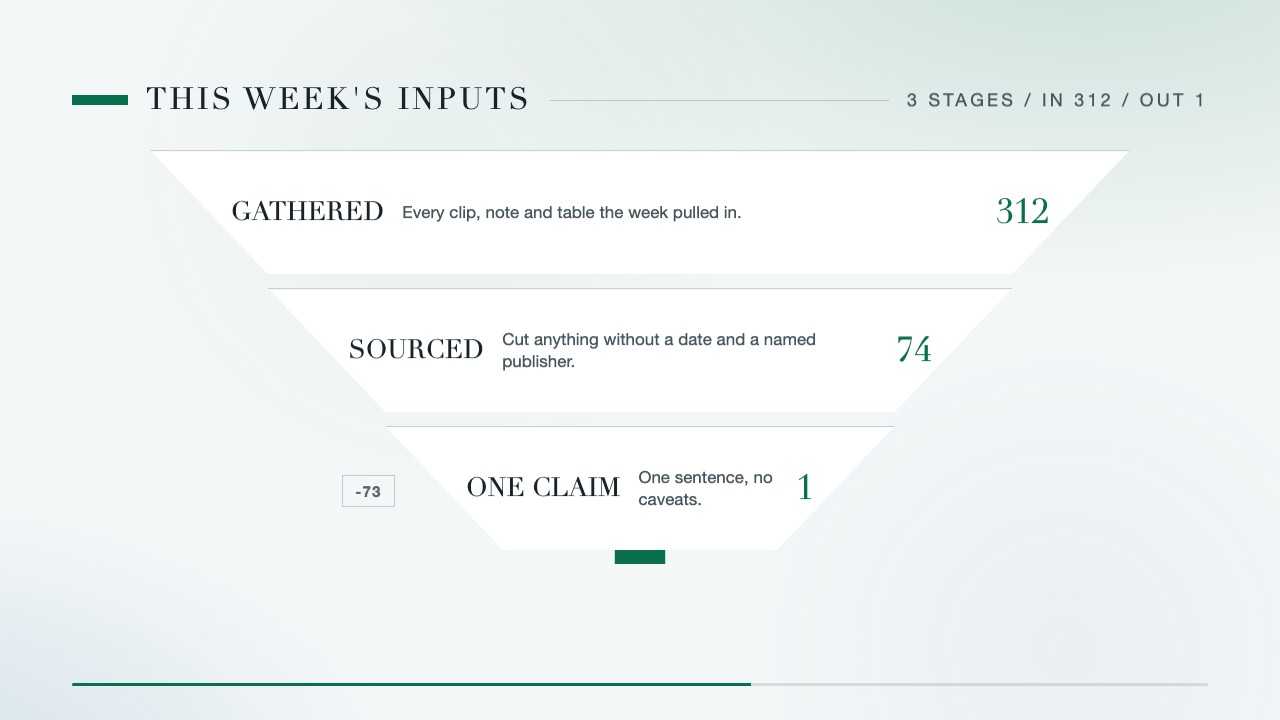
/sl-inputs-converge-to-one-motion-clip Make an 11.6-second 16:9 clip for a fictional research desk about this week's inputs. Three stages, widest first: GATHERED 312 (“every clip, note and table the week pulled in”); SOURCED 74 (“cut anything without a date and a named publisher”, drops 238); ONE CLAIM 1 (“kept only what one sentence carries”, drops 73). Resolve to “312 inputs in. One claim out.” and close on “Many inputs. One claim.”
Use my own three stages and counts, keeping the same taper and timing.
Give the final claim a full extra second and shorten the opening title.
No external services or generation models. Renders locally.
5.0/ 5
Render score
Verified
| Real render check | Verified | 5.0 / 5 | 67s |
|---|
Yes. Stage labels, rules, surviving counts, dropped counts and the final claim are plain values in the HTML/CSS source; re-render locally.
Leave its dropped figure blank. The engine shows a chip only where something is cut, so the first stage never gets one.
Three or four. Each stage needs about a second to read its rule and its count, and the clip runs 6 to 12 seconds.