 $4.99
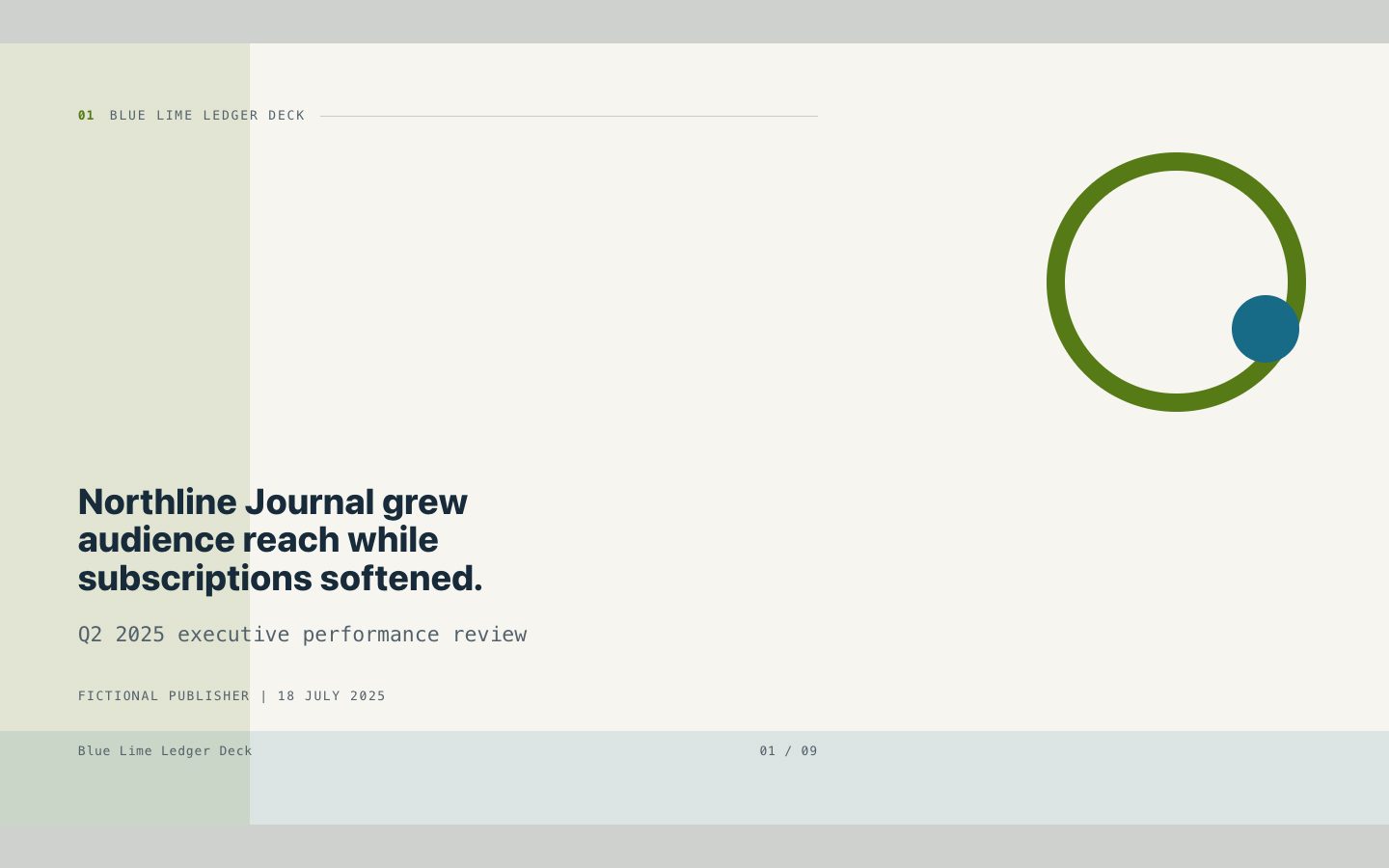
$4.99Blue Lime Ledger Deck
A polished executive reporting deck for media and publishing teams, built around clear analysis, exact figures, and a distinctive blue-and-lime editorial ledger style.
Create a client-ready executive presentation with layered cutpaper forms, editorial image windows, and exact, readable reporting. Built for course creators and designers presenting publishing work, audience insights, and decisions.
No external services. Runs entirely on your agent.
/sl-inclusive-cutpaper-deck Create exactly 9 slides for fictional independent publisher Fieldnote Publishing: review course reach and completion, identify reader drop-off, compare current and proposed formats, and decide on a six-week pilot. Title: “Our learning titles are reaching more readers.” Close: “We can approve the pilot and review the evidence in six weeks.” Use candid, accessible language and abstract cutpaper shapes.
Verified
| render-check | pass | 5.0 / 5 | 56s |
Yes. Supplied metrics, quotes, units, and caveats should remain exact; missing evidence is flagged rather than invented.
Yes. The cutpaper system supports abstract silhouettes and color fields without implying that fictional images show real participants.
Yes. The deliverable is a self-contained HTML deck using system fonts and embedded styling.
Turn executive reporting material into a precise, series-consistent HTML deck with the energy of an editorial paper collage.
Style: Common Ground Cutpaper. An optimistic editorial workshop aesthetic gives diverse perspectives room to be seen while keeping executive evidence easy to scan. Follow references/style-guide.md exactly.
If something essential is missing, ask one short question before starting. Never invent facts, numbers, quotes or customer names; mark gaps as [needs source].
[needs source] instead of inventing quotes, numbers or names.references/template.html to the output path, for example deck.html. Keep its paging engine, overview mode (press o), notes panel (press n) and print stylesheet intact.references/style-guide.md (they are already set in the template's :root); do not add other colors or webfonts.references/layouts.md. Never use the same layout on more than two consecutive slides. Copy the matching example slide, fill every REPLACE_ value and delete unused examples.data-slide-id in window.__SLIDE_NOTES__; notes add delivery context and do not repeat the slide. ``bash node scripts/validate-deck.mjs deck.html --expected-slides 8 ``
deck.html, 16:9, self-contained (no network requests, no storage APIs), opens from file://.section.slide elements, each with a unique data-slide-id and speaker notes.[needs source] gaps, and the validator output.The preview is a reference deck built from sample content. Figures on chart and stat slides are sample data and say so in the slide footer; image areas are labelled slots. In a real run the agent uses the user's sources and assets, adds a source note to every slide that states a figure or claim, and keeps every promise in the output contract above.
$4.99A polished executive reporting deck for media and publishing teams, built around clear analysis, exact figures, and a distinctive blue-and-lime editorial ledger style.
 $4.99
$4.99A signature editorial deck system for turning course insights and executive reporting into a warm, structured visual narrative. Aqua paper, orange signals, circular diagrams, and precise typography guide audiences from context to decision while retaining the details behind the numbers.
 $4.99
$4.99A high-craft presentation skill for executive reports, course launches, and editorial updates that need a memorable electric-pop identity. It combines layered rounded panels, bold but controlled color, dot motifs, mono evidence labels, and playful studio-photography direction in a self-contained offline HTML deck.
 $4.99
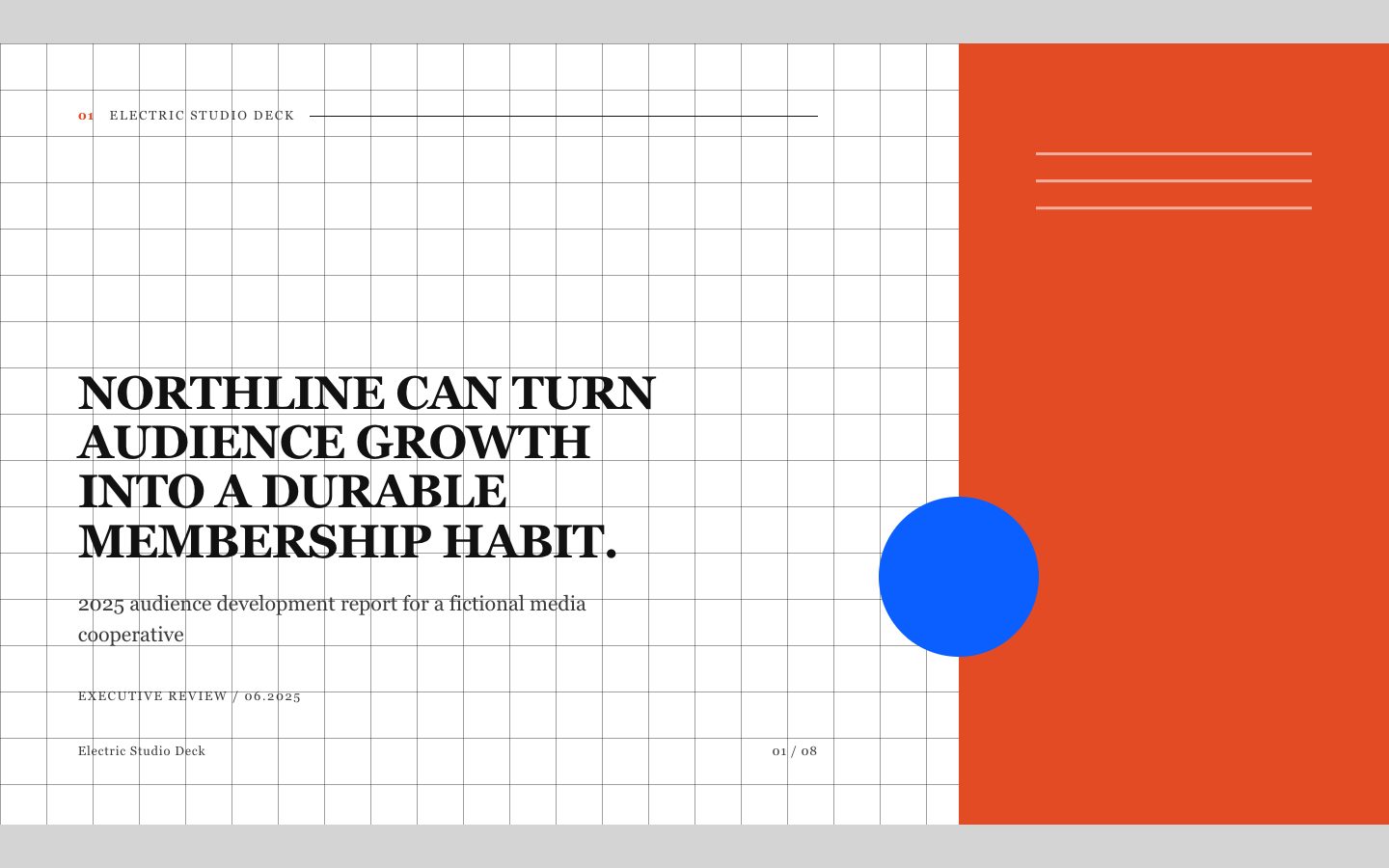
$4.99A paid-quality HTML deck for executive reporting that turns verified material into a distinctive editorial narrative. Its high-contrast grid, serif display type, electric accent, and restrained retro-photographic direction create a recognizable series system without sacrificing clarity.
 $4.99
$4.99A paid-quality executive reporting deck for turning growth evidence into a sharp, decision-ready narrative. It uses a saturated cobalt ground, lime operational signals, mono annotations, and documentary corporate photography direction to keep every slide memorable and credible.
 $4.99
$4.99A premium editorial presentation for turning a visual collection and its documented performance signals into a coherent executive story. The deck combines vivid photography, offset panels, and precise catalogue metadata while clearly identifying evidence gaps.
 $4.99
$4.99A hand-drawn, primary-color presentation system for course creators and designers producing polished client reports. It keeps evidence and wording exact while making a consistent slide series feel lively and memorable.
 $4.99
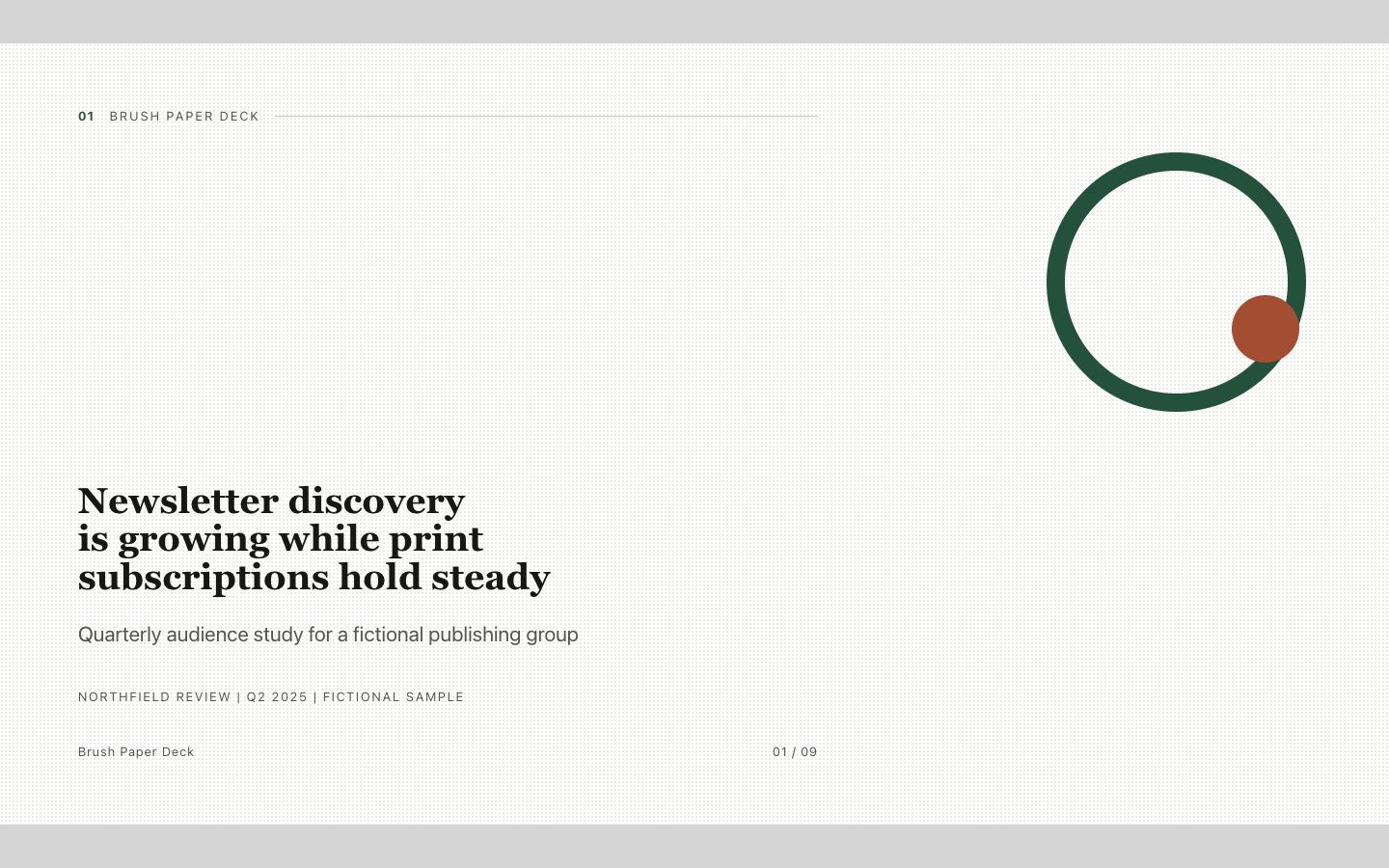
$4.99A crafted 16:9 HTML deck for executive reporting, shaped like an illustrated field report with confident ink typography, restrained brush-paper details, and verified source text.