 Uses prepaid key: Each run calls an image model, billed to your own prepaid key.ImageVerified
Black Poster Geometric Accents OG Image
Works with: Claude Code, Cursor, OpenCode, Codex, Gemini CLI


All premium skills for $9.99/month. Cancel anytime.
Upgrade nowUse it to make an image.
npx skillloom-cli install sl-circular-presenter-cream-neutral-og-image
Built for
Updated Oct 5, 2026
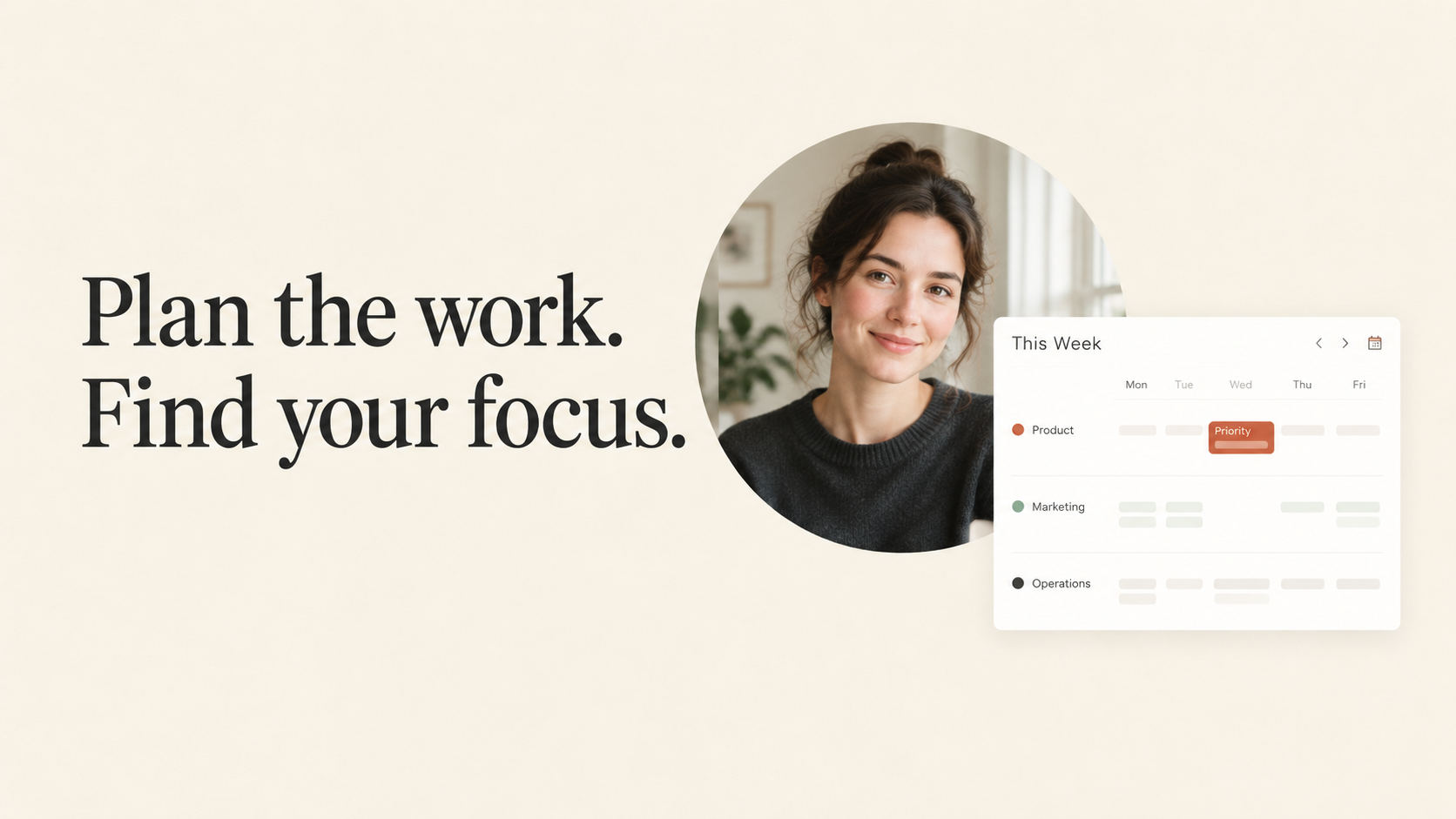

 Uses prepaid key: Each run calls an image model, billed to your own prepaid key.ImageVerified
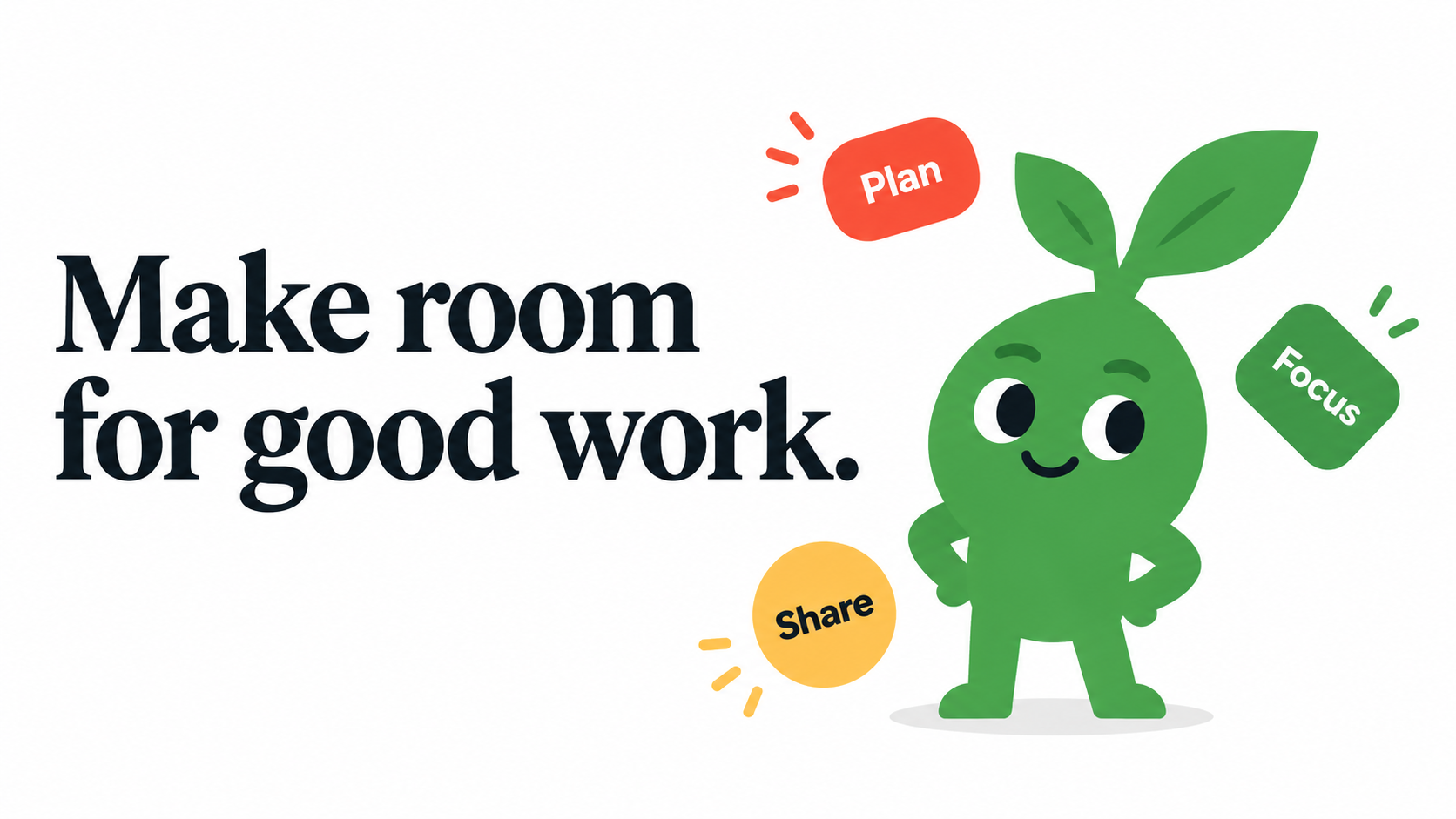 Uses prepaid key: Each run calls an image model, billed to your own prepaid key.ImageVerified
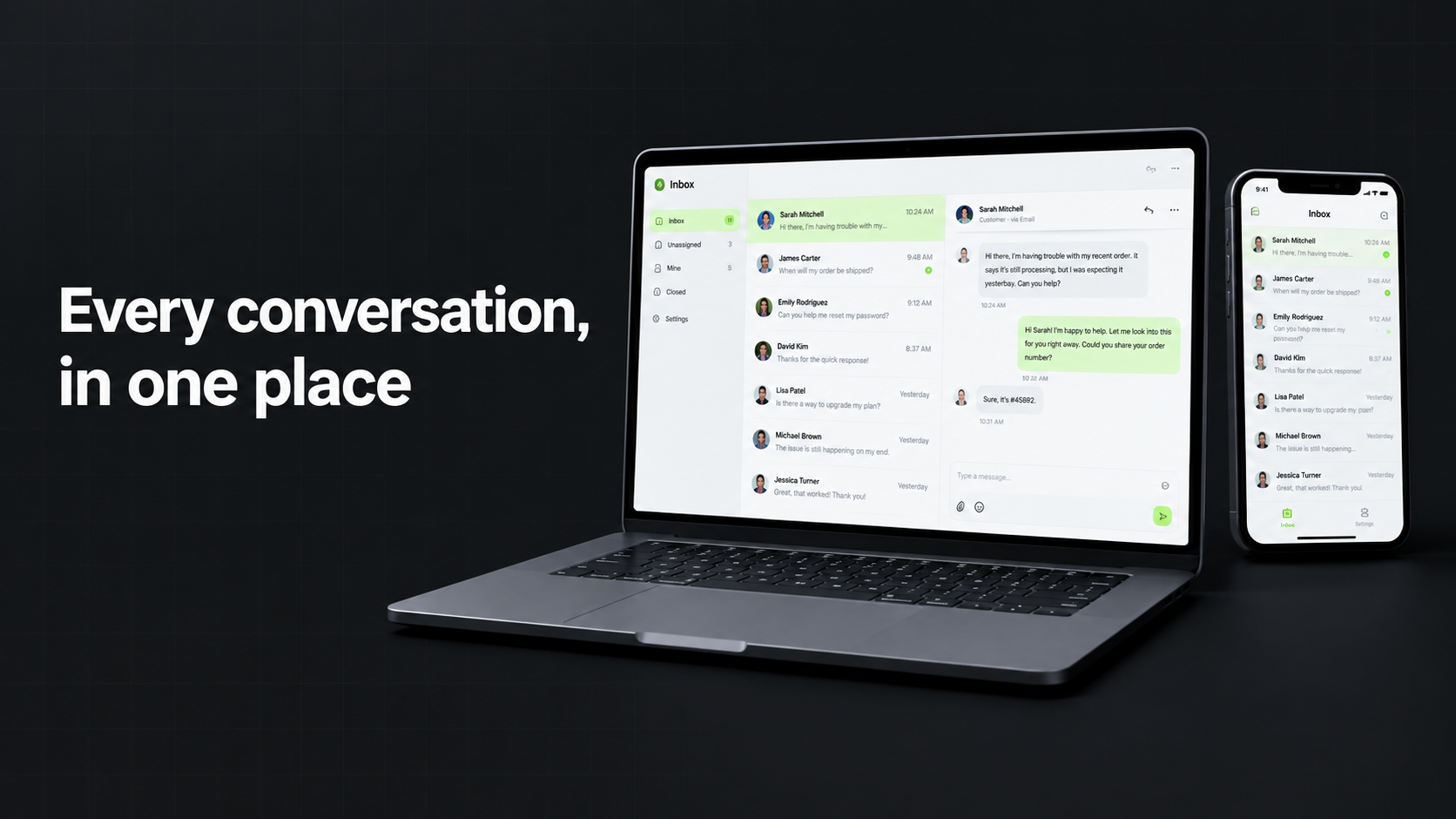 Uses prepaid key: Each run calls an image model, billed to your own prepaid key.ImageVerified
 Uses prepaid key: Each run calls an image model, billed to your own prepaid key.ImageVerified
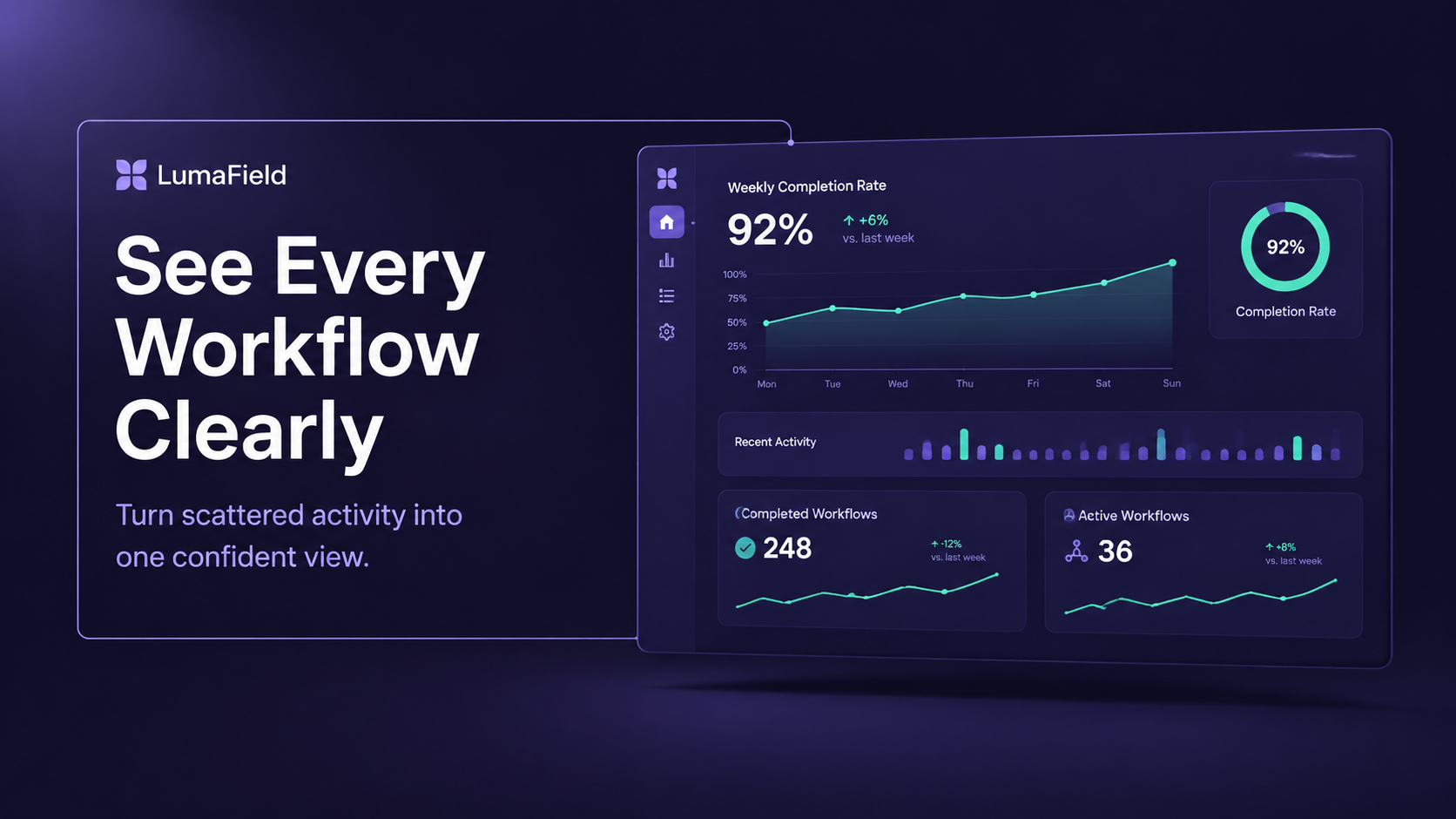 Uses prepaid key: Each run calls an image model, billed to your own prepaid key.ImageVerified
 Uses prepaid key: Each run calls an image model, billed to your own prepaid key.ImageVerified
 Uses prepaid key: Each run calls an image model, billed to your own prepaid key.ImageVerified
 Uses prepaid key: Each run calls an image model, billed to your own prepaid key.ImageVerified
You say
/sl-circular-presenter-cream-neutral-og-image Create a 16:9 launch image for fictional weekly planning tool Fieldnote. Show a friendly educator in a circular shoulder-up portrait beside a weekly board with three workstreams and one highlighted priority. Headline: “Plan the work. Find your focus.” Use a thoughtful cream-neutral editorial style.
Keep the same visual system, but use this new exact headline: “A calmer way to plan.”
Make the screenshot more prominent while preserving the circular portrait, cream palette, and headline placement.
Each image is generated with your prepaid SkillLoom generation key (about $0.05 per image at 1K). Subscriptions do not include generation credits.
A typical run costs about $0.05 in image-generation fees, charged to your prepaid key.
5.0/ 5
Render score
Verified
| Real render check | Verified | 5.0 / 5 | 49s |
|---|
Yes. Provide the final wording, capitalization, and punctuation. The prompt treats it as locked copy and asks the image model not to add or alter text.
Yes. Keep the same cream background, circular portrait treatment, split composition, and restrained accent colors. Change only the supplied copy and product visual.
Only use a portrait reference you provide and are authorized to use. Otherwise describe a fictional presenter; do not request a recognizable public figure.