 $4.99
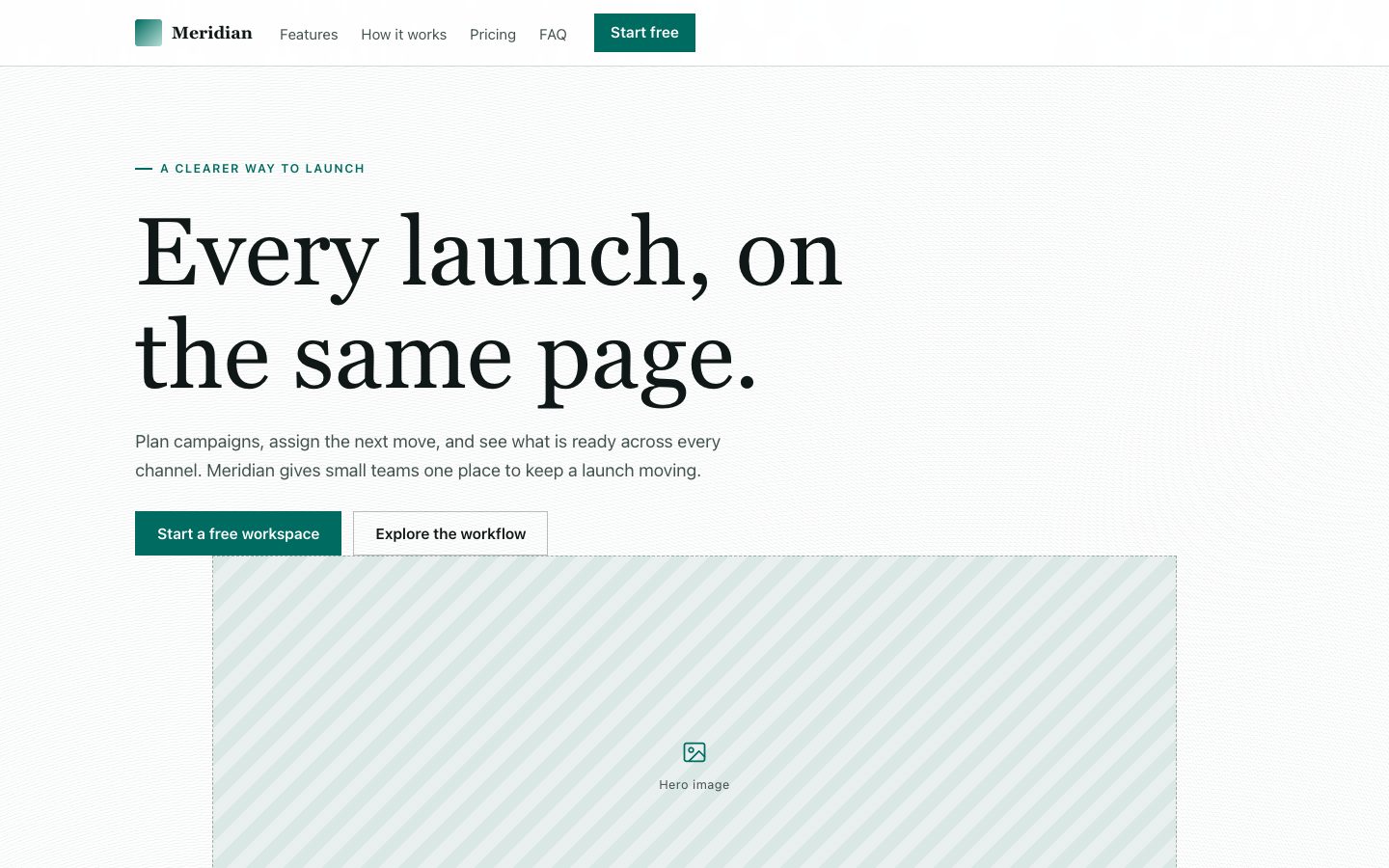
$4.99Meridian Marketing 落地页
为软件团队制作可直接用于发布的产品落地页,清楚说明产品价值并引导访客注册。页面采用衬线标题、深色胶囊导航、克制的青绿色强调色,以及可编辑的透视产品界面,不依赖素材图库。
为软件产品制作以活动网格为视觉核心的转化型落地页,包含清晰的产品界面预览、具体的发布场景文案、价格信息和购买前常见问题。
No external services. Runs entirely on your agent.
/sl-cadence-marketing-landing-page 为 Pacefield 制作 Launch Grid 风格的发布落地页,面向筹备首次联合发布的独立创始人。页面以“Pacefield”为主标题,展示产品功能、易读的活动计划分栏、三个发布步骤、活动图库、免费方案(永久免费)与 Studio 方案(每月 24 美元)、常见问题,以及标题为“Make the next launch easier to see”、按钮为“Start free”的结尾行动号召。
已验证
| render-check | pass | 4.0 / 5 | 71s |
可以。提供截图后,可将其放入设备框架,同时保留网格布局。
不会。只使用已获批准的数据和客户证明;没有这些资料时,以具体功能说明产品价值。
可以。默认交付无需外部资源、使用系统字体的独立 HTML 文件。
Turn a software launch brief into a complete landing page that makes the product visible and the next action clear.
Style: Launch Grid. A precise, energetic launch workspace with the visual discipline of a campaign plan. Follow references/style-guide.md exactly.
If something essential is missing, ask one short question before starting. Never invent facts, numbers, quotes or customer names; mark gaps as [needs source].
references/section-library.md. List the sections the page needs, in order, before writing any markup.references/template.html to index.html. Delete the sections the brief does not need; reorder the rest.references/style-guide.md in the :root block. Do not introduce colors, fonts or radii outside the tokens.REPLACE_ placeholder, inside the word limits. Never invent customer names, logos or numbers; label fictional testimonials and figures as sample content.references/framework-adaptation.md after the HTML version passes. ``bash node scripts/validate-html.mjs index.html ``
file://) and check keyboard focus, the FAQ toggles and the mobile menu.index.html: one self-contained HTML file (inline CSS, inline SVG, no network requests, no storage APIs) that opens from file://.<h1>, labelled form inputs, alt text on every image, no REPLACE_ placeholders or filler text.The preview (preview/demo.html) is a static reference built from sample content: it shows the layout, style, copy structure and the visible controls every interactive part needs (labelled form fields, carousel buttons, player chrome). Image areas are labelled placeholders and sample quotes or figures are marked as samples. In a real run the agent uses the user's content and assets, wires behaviour (form destinations, media sources, data) and keeps every promise in the output contract above.
$4.99为软件团队制作可直接用于发布的产品落地页,清楚说明产品价值并引导访客注册。页面采用衬线标题、深色胶囊导航、克制的青绿色强调色,以及可编辑的透视产品界面,不依赖素材图库。
 $4.99
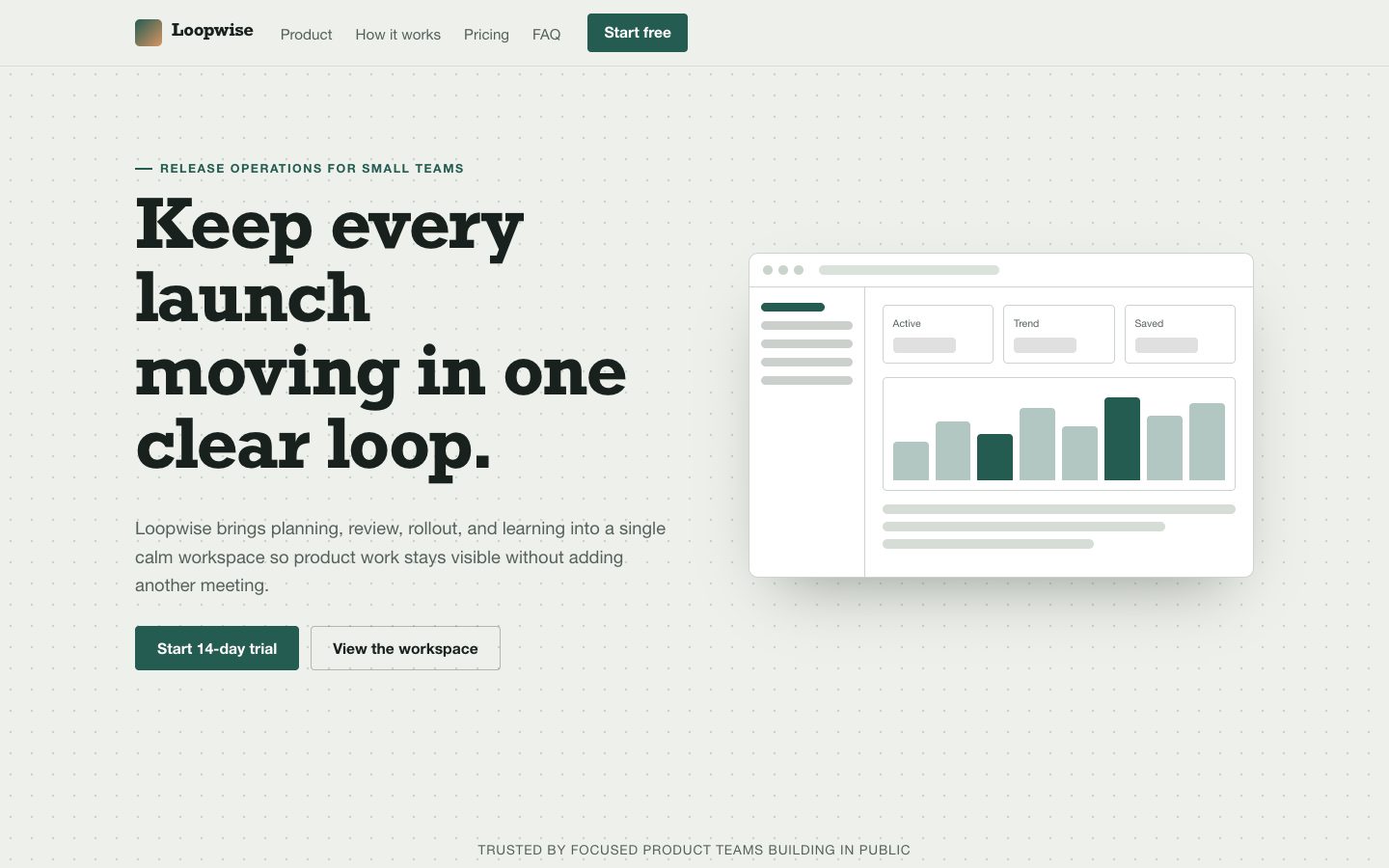
$4.99为 Loopwise 打造一页面向独立创始人和小型产品团队的 SaaS 落地页。页面以产品仪表盘作为核心视觉,结合可信的数据、工作流说明、定价、常见问题和试用入口,整体保持浅色、克制且适合发布使用。
 $4.99
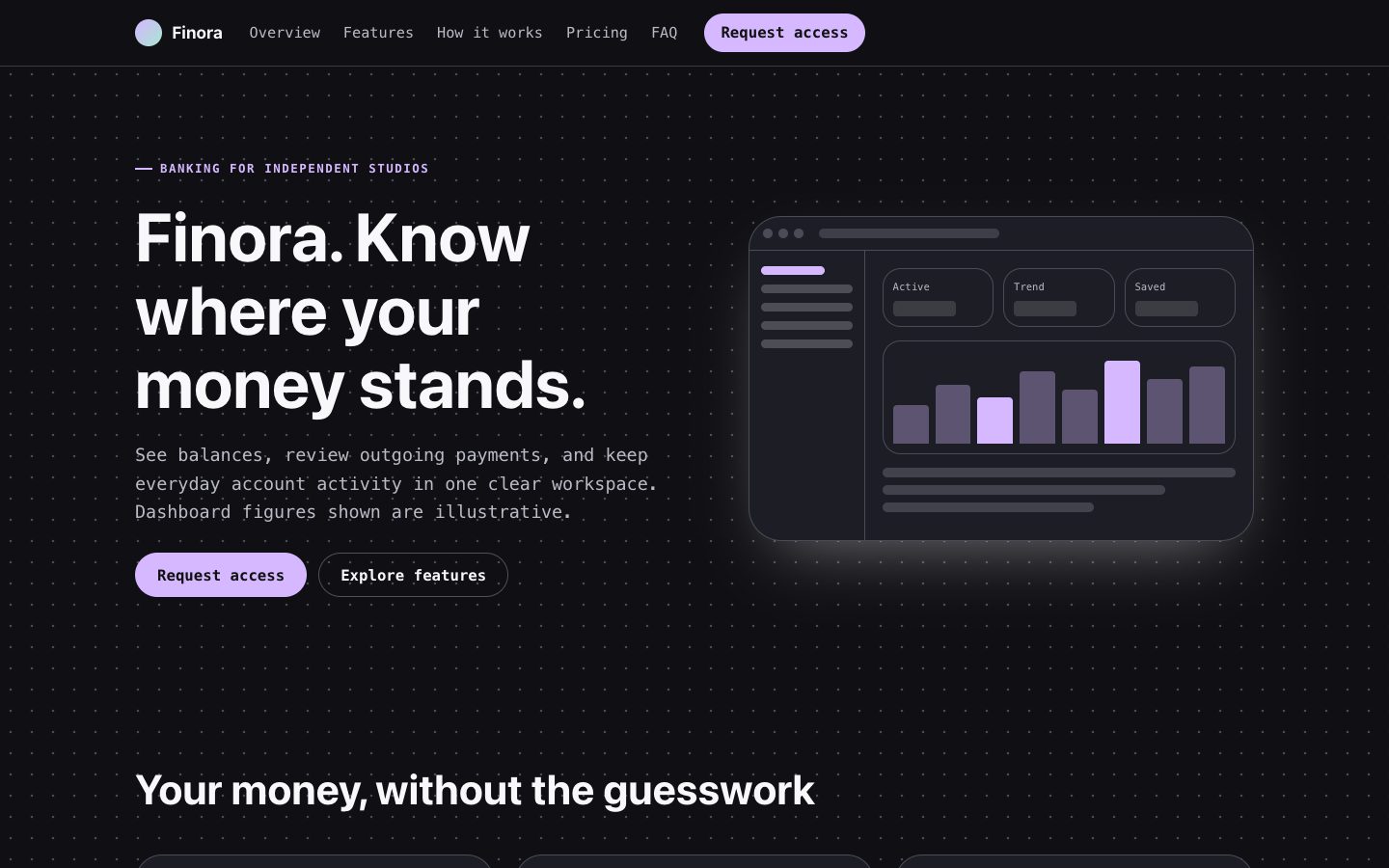
$4.99为虚构银行产品制作深色优先的落地页,包含可编辑的账户仪表盘、清晰的产品文案、定价信息和申请入口。适合希望展示真实产品界面、避免空泛设备模型和未经证实的信任声明的创始人。
 $4.99
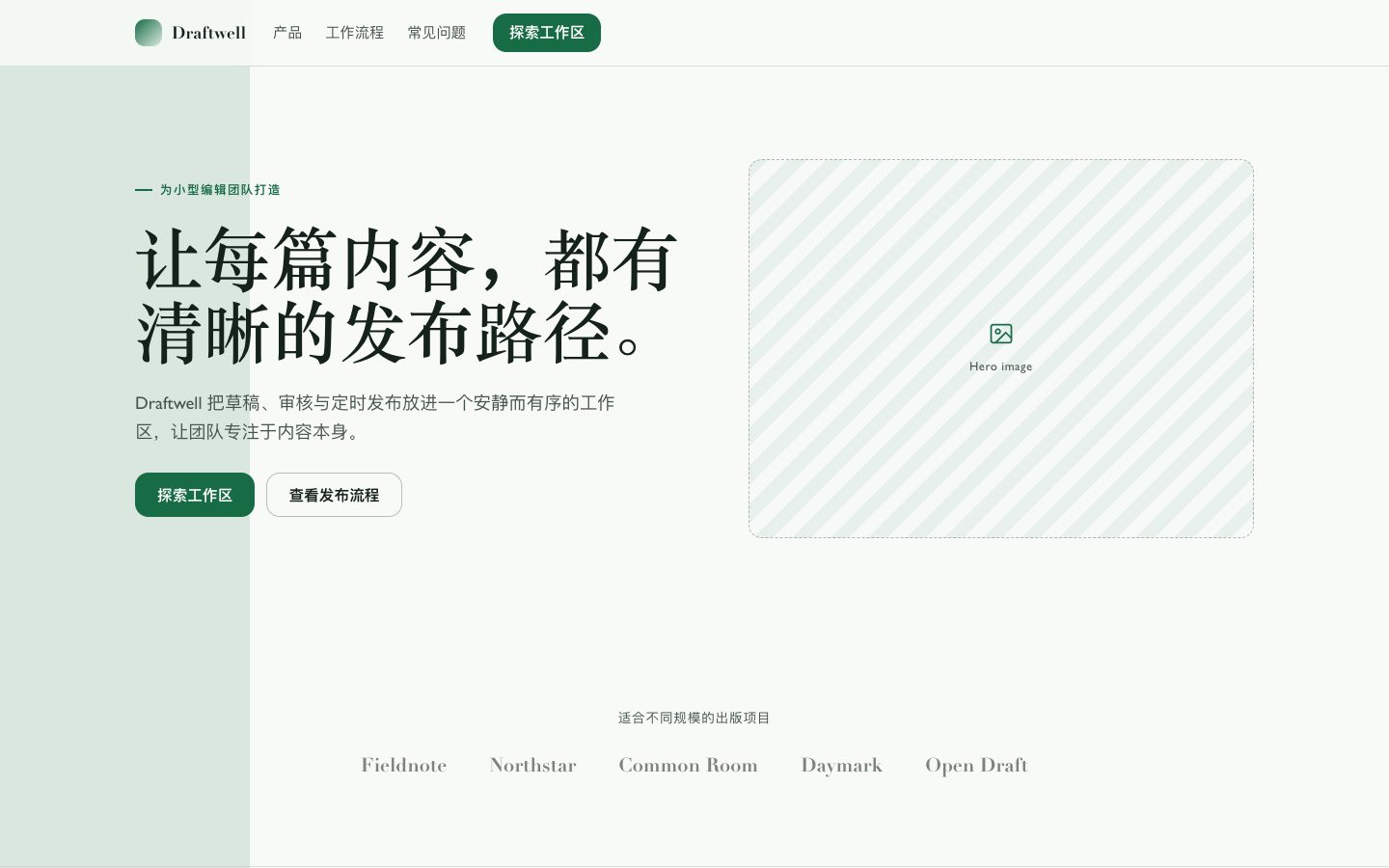
$4.99为虚构的内容管理系统制作完整的产品发布落地页。采用明亮的编辑式视觉、克制的绿色强调色、细边框布局和平面化 CMS 界面细节,并提供便于后续修改、以转化为目标的文案。
 $4.99
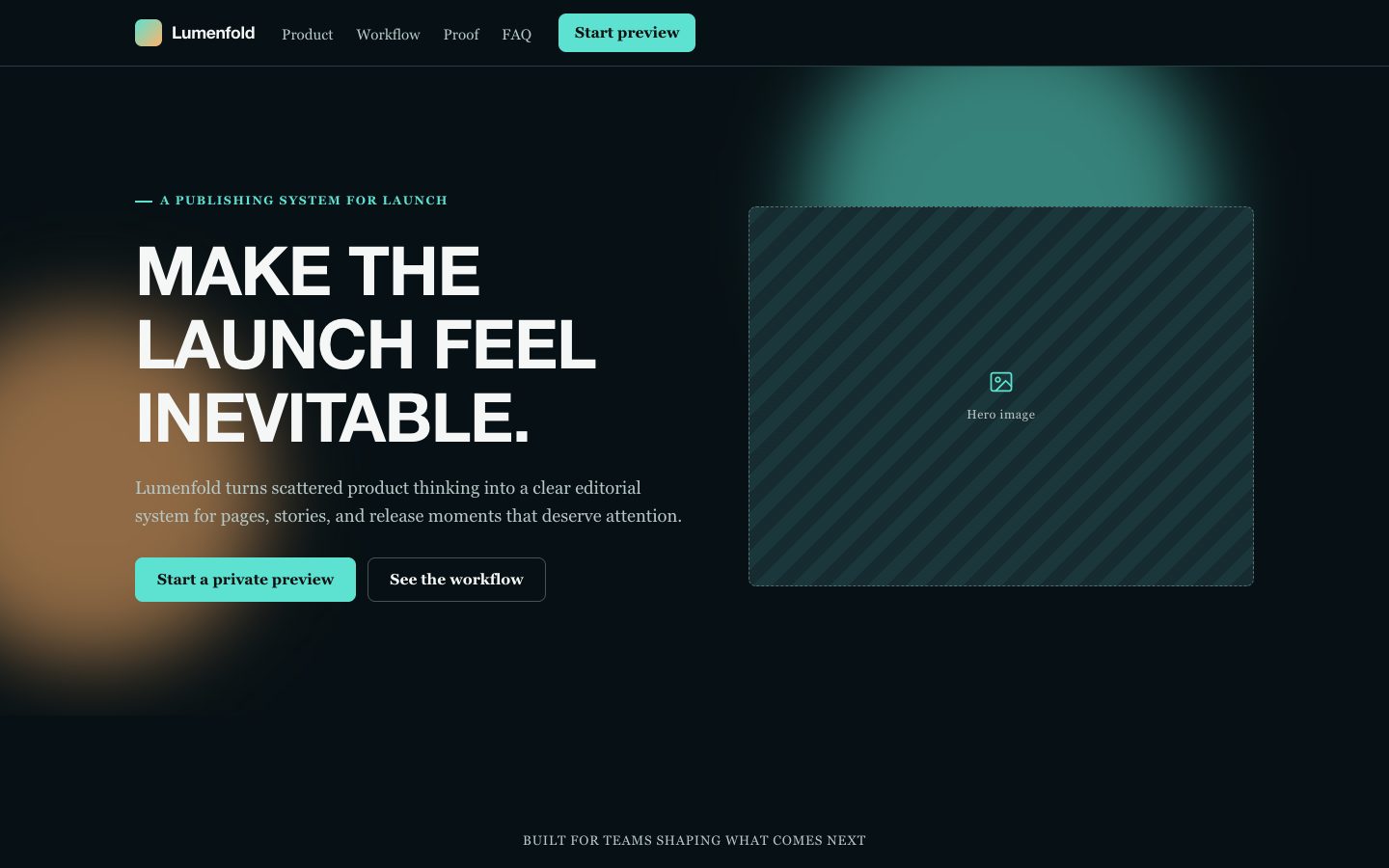
$4.99为虚构的软件发布打造电影感落地页技能。页面采用深色高饱和液态玻璃视觉、宽幅构图、衬线阅读文字、超大无衬线标题、可信的产品证据,以及面向独立创始人和小型团队的清晰转化路径。
 $4.99
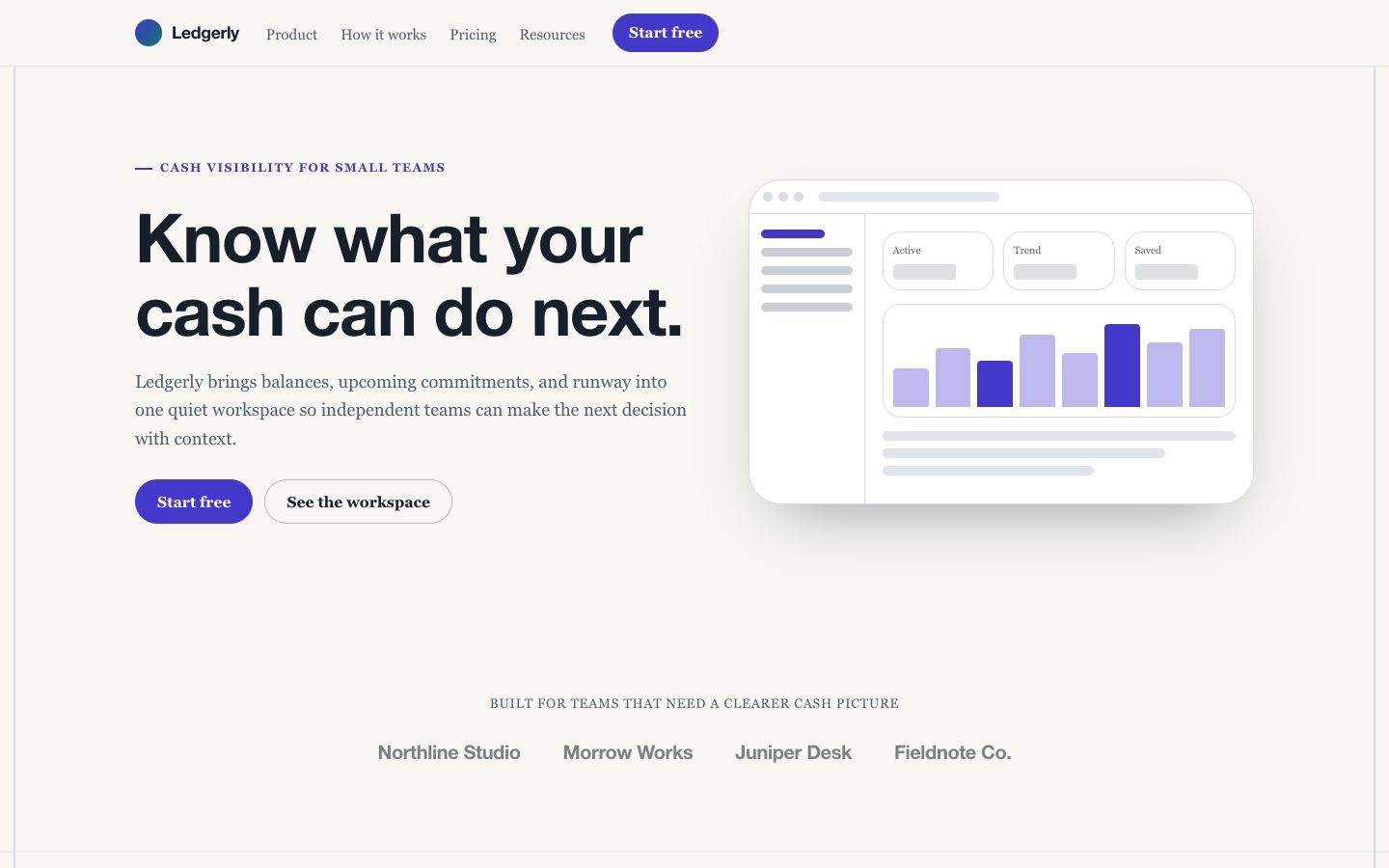
$4.99面向产品发布的浅色金融科技落地页技能,以数据仪表盘作为视觉主角,结合可信的产品文案、便当式功能区块、价格与问答模块,为独立开发者和小型团队提供清晰的转化路径。
 $4.99
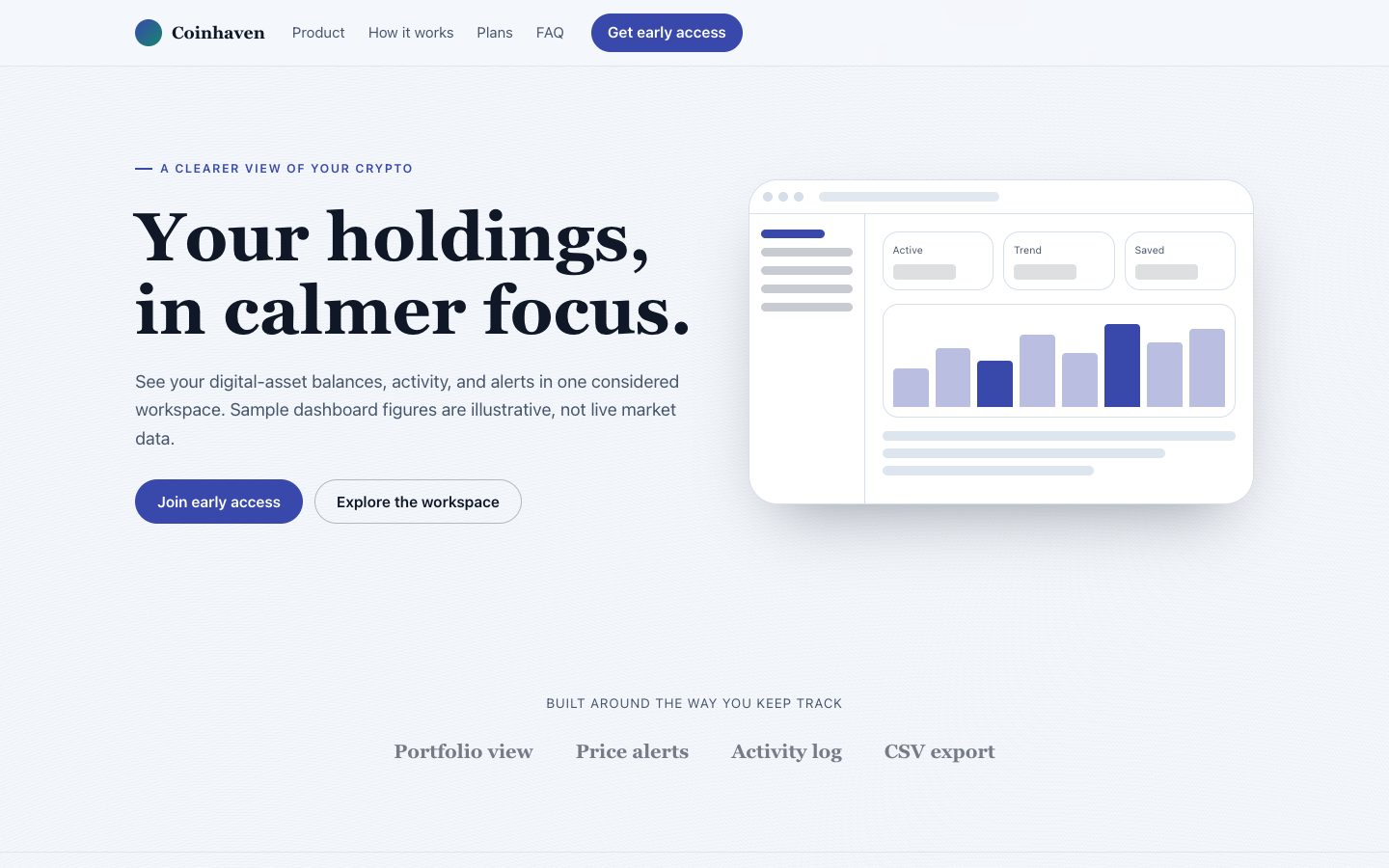
$4.99为虚构的加密资产组合管理产品打造浅色、仪表盘主导的发布落地页,清晰介绍产品,并吸引谨慎的早期用户。
 $4.99
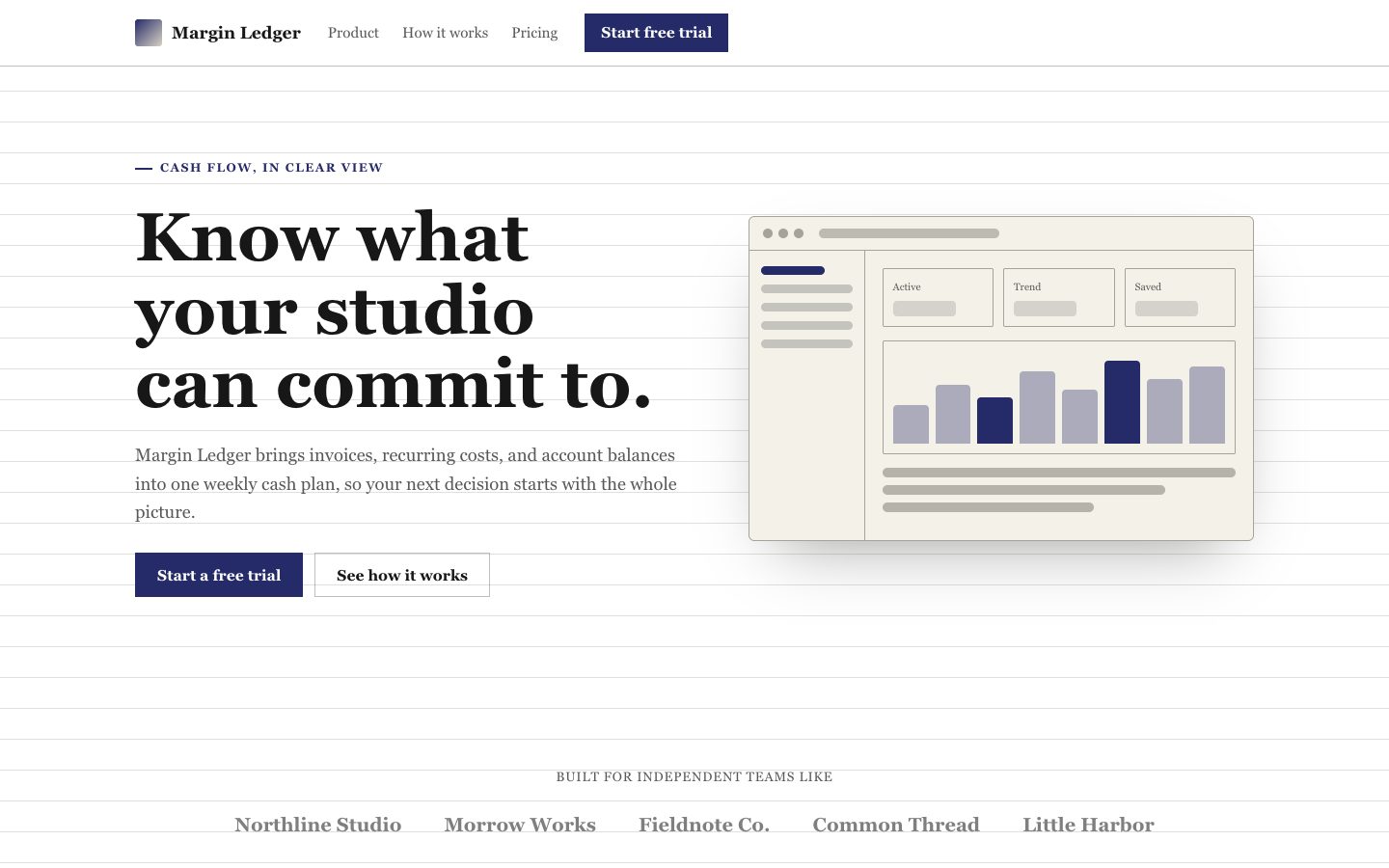
$4.99为软件发布打造完整响应式落地页,采用暖纸色表面、深靛蓝强调色、精确细线与清晰转化路径,呈现克制而鲜明的编辑式账册风格。