 Free
FreeBrand Story Deck
An editable, browser-ready 16:9 presentation that turns brand strategy into a polished story using bold, grounded color blocks and an editorial type pairing.
Build an image-led presentation that gives research and campaign material a cinematic sense of place. The deck uses editable SVG frames, restrained editorial typography, and deliberate pacing for professional storytelling.
No external services. Runs entirely on your agent.
/sl-atmospheric-cinematic-svg-deck Create exactly 9 slides for fictional Northfield Civic Lab explaining how shaded routes reduce heat stress, moving from unsafe daily walks through a conceptual 1.2 km corridor, three design moves, and field evidence to a six-week municipal pilot. Include the four route stats and fictional coordinator quote shown. Title “Shade can turn a hot walk into a viable route” and close “Start with one route people already want to use”. Use a cinematic SVG frame system.
Verified
| render-check | pass | 5.0 / 5 | 29s |
Yes. The output is a self-contained HTML file with editable text, inline SVG geometry, and CSS variables for the palette, spacing, and typography.
The visual language is built from layered SVG frames, contour lines, translucent planes, crop marks, and controlled accent color, so the deck remains atmospheric while staying portable and editable.
Yes. Provide verified values and units. The skill will place them in concise chart or stats layouts and add an explicit takeaway without inventing evidence.
An editable 16:9 HTML slide deck that turns source material into a cinematic visual narrative built from atmospheric SVG frames, disciplined typography, and purposeful editorial pacing.
Style: Cinematic Frame Study. Quietly dramatic and tactile, pairing documentary restraint with luminous framed compositions that make each idea feel like a carefully observed scene. Follow references/style-guide.md exactly.
If something essential is missing, ask one short question before starting. Never invent facts, numbers, quotes or customer names; mark gaps as [needs source].
[needs source] instead of inventing quotes, numbers or names.references/template.html to the output path, for example deck.html. Keep its paging engine, overview mode (press o), notes panel (press n) and print stylesheet intact.references/style-guide.md (they are already set in the template's :root); do not add other colors or webfonts.references/layouts.md. Never use the same layout on more than two consecutive slides. Copy the matching example slide, fill every REPLACE_ value and delete unused examples.data-slide-id in window.__SLIDE_NOTES__; notes add delivery context and do not repeat the slide. ``bash node scripts/validate-deck.mjs deck.html --expected-slides 8 ``
deck.html, 16:9, self-contained (no network requests, no storage APIs), opens from file://.section.slide elements, each with a unique data-slide-id and speaker notes.[needs source] gaps, and the validator output.The preview is a reference deck built from sample content. Figures on chart and stat slides are sample data and say so in the slide footer; image areas are labelled slots. In a real run the agent uses the user's sources and assets, adds a source note to every slide that states a figure or claim, and keeps every promise in the output contract above.
FreeAn editable, browser-ready 16:9 presentation that turns brand strategy into a polished story using bold, grounded color blocks and an editorial type pairing.
 $4.99
$4.99A polished research presentation builder for turning technical material into a clear, defensible argument with editable HTML slides and a distinctive evidence-frame visual system.
 $4.99
$4.99An editable project presentation that turns spatial ideas, evidence, options, and estimates into a clear client decision. Its datum-led visual system feels like a disciplined architectural review, not a generic pitch template.
 $4.99
$4.99An evidence-first research presentation with editable figures, clear action titles, and a distinctive scholarly editorial style.
 Free
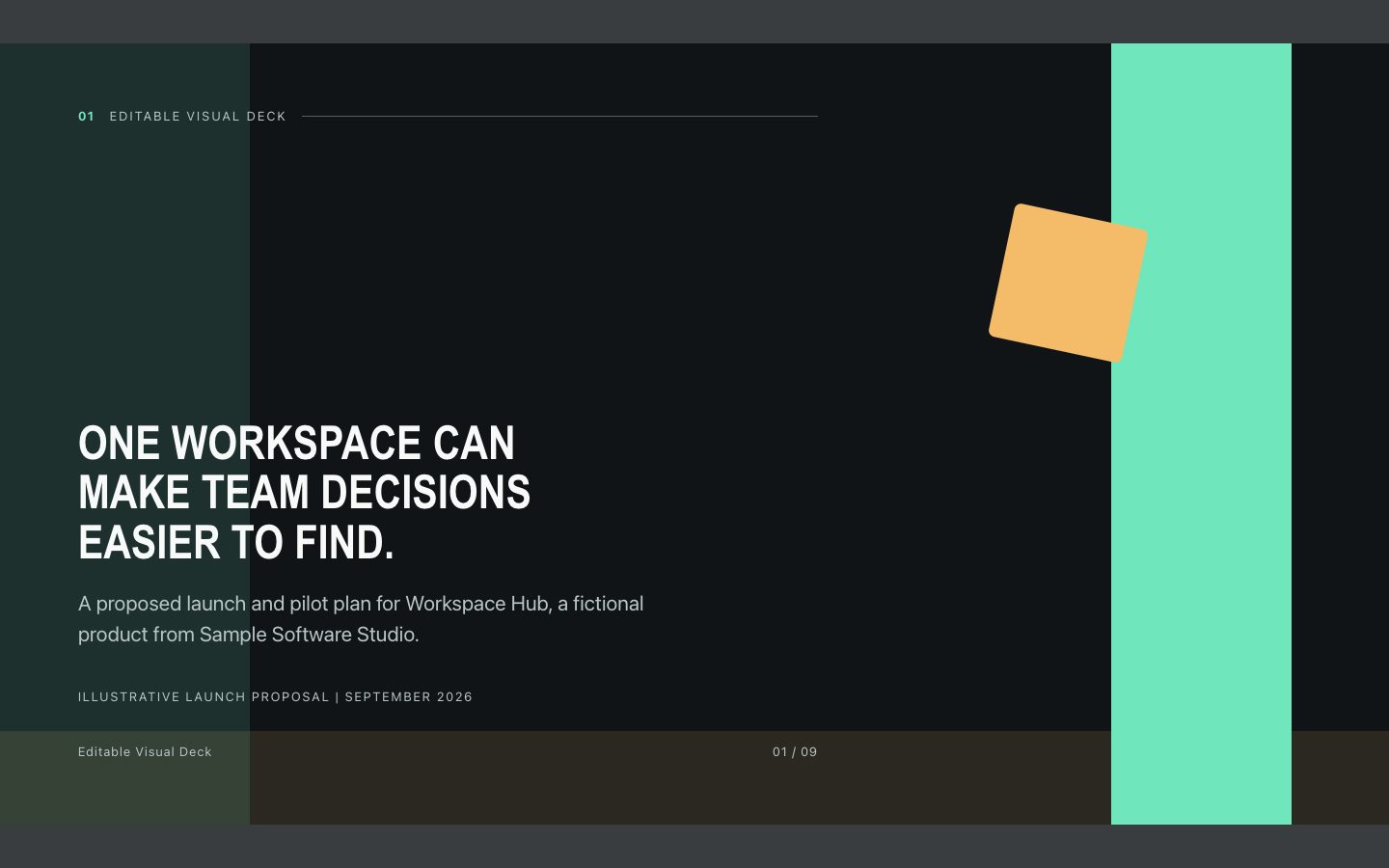
FreeAn offline-ready HTML presentation with a dark modular-grid look, sharp action headlines, and editable charts and diagrams. Built for product launches and executive updates that need both polish and fast revision.
 $4.99
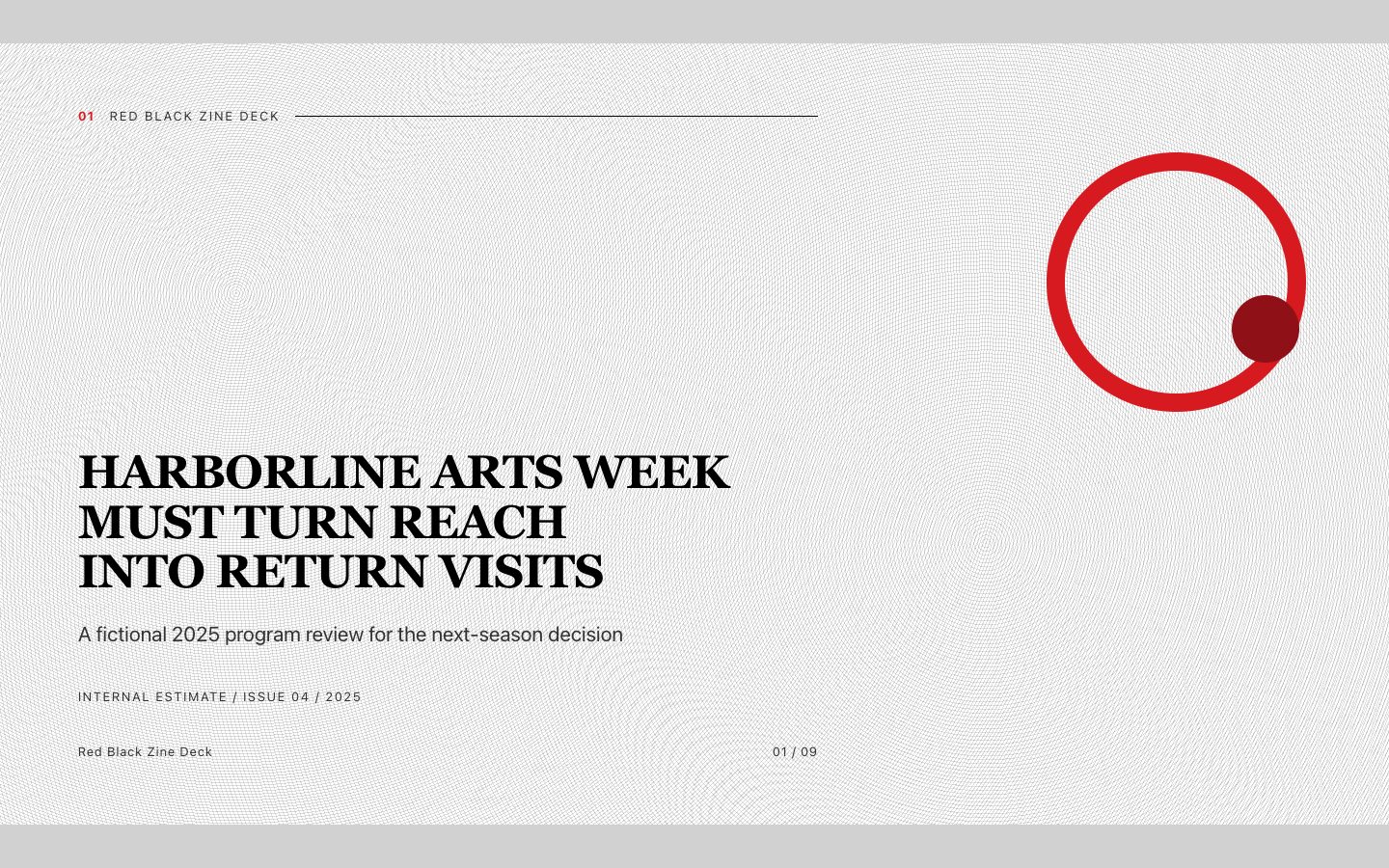
$4.99Create a forceful editorial presentation that turns reports, event narratives, and creative strategy into a memorable black, white, and red zine. It is built for clear executive reading while retaining a distinctive printed-publication character.
 Free
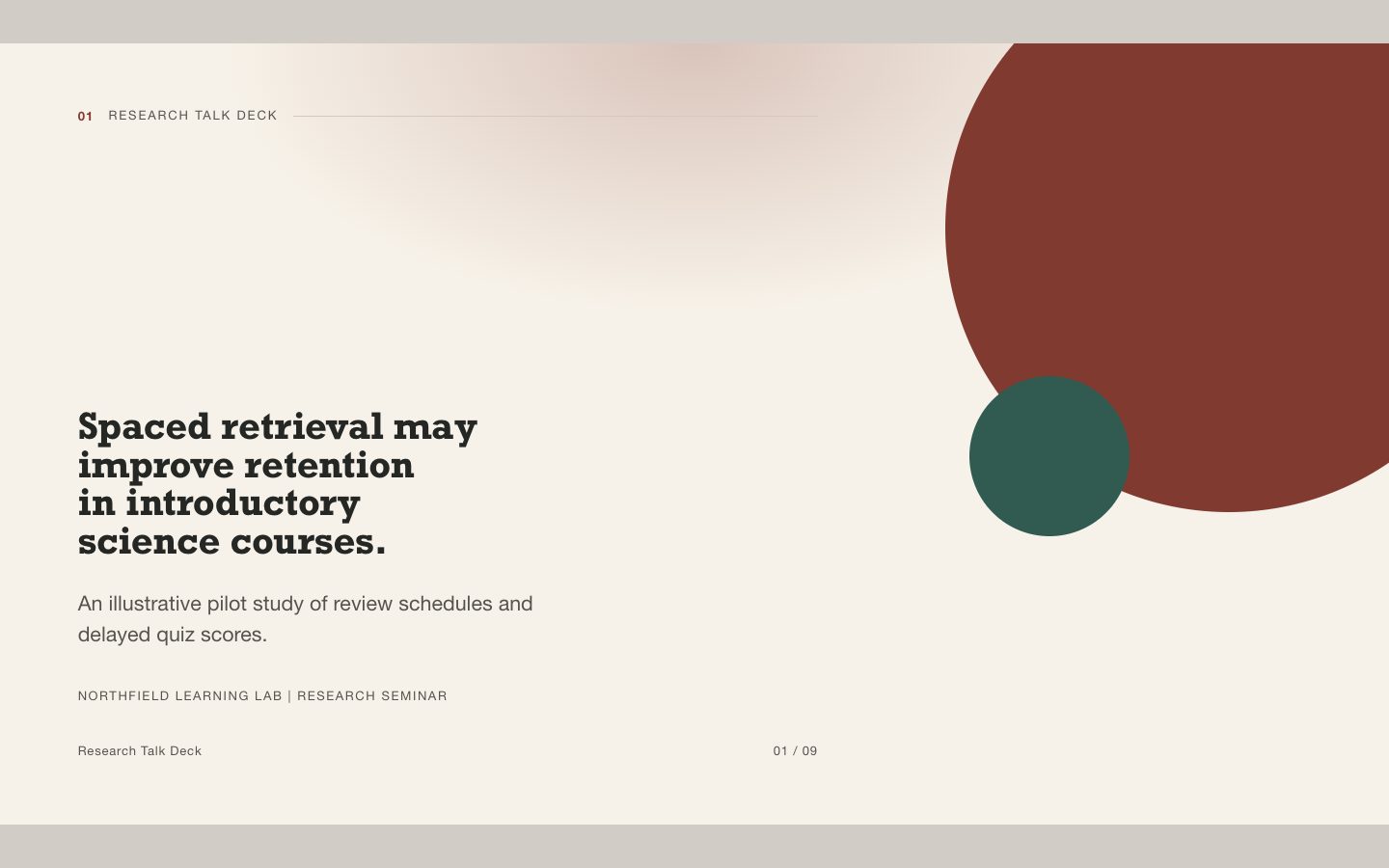
FreeAn editable HTML deck for explaining a research question, method, evidence, and limitations in a conference-minimal warm-neutral style. Designed for talks where accuracy and legibility matter as much as visual polish.
 $4.99
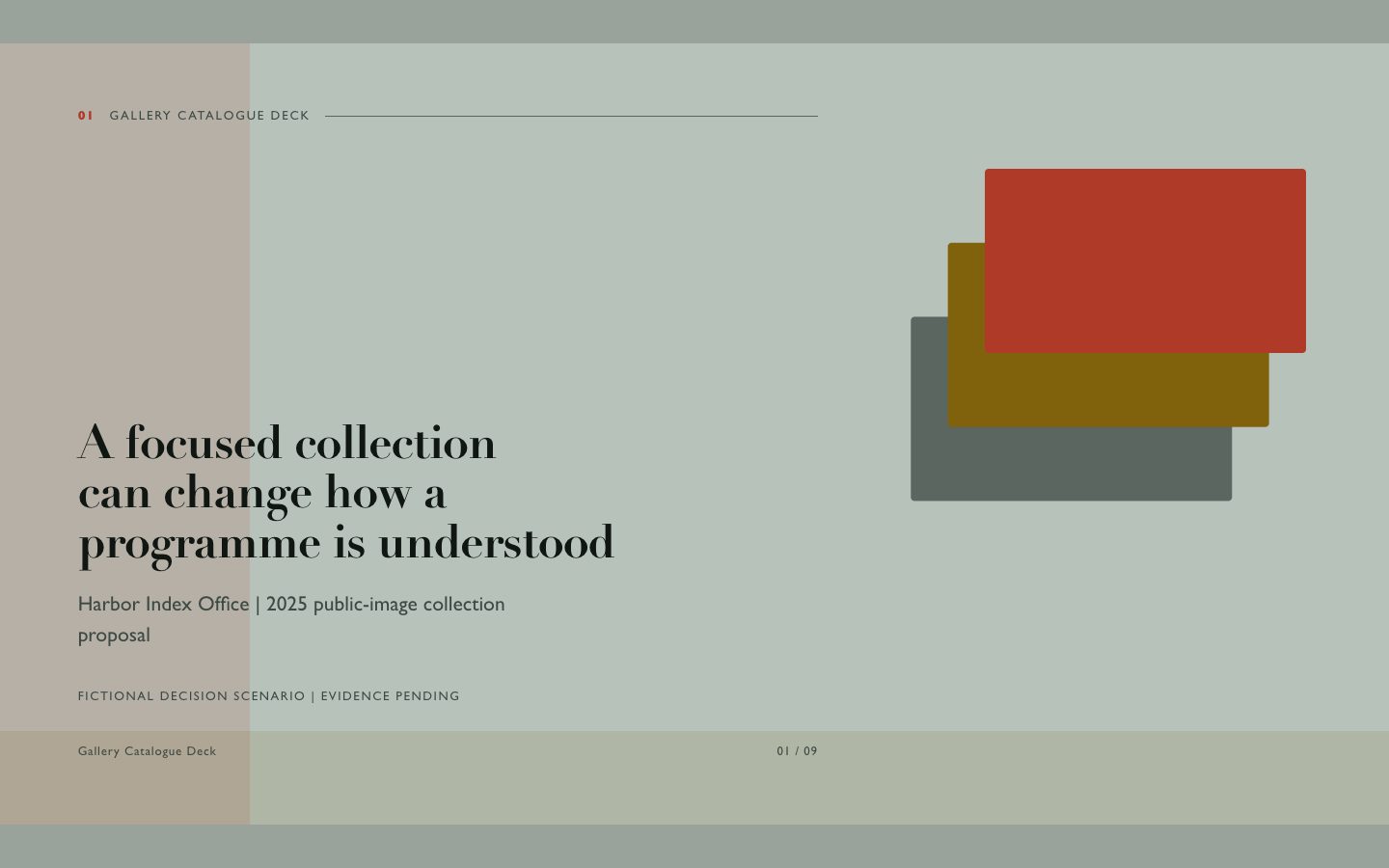
$4.99A premium editorial presentation for turning a visual collection and its documented performance signals into a coherent executive story. The deck combines vivid photography, offset panels, and precise catalogue metadata while clearly identifying evidence gaps.