 WebVerified
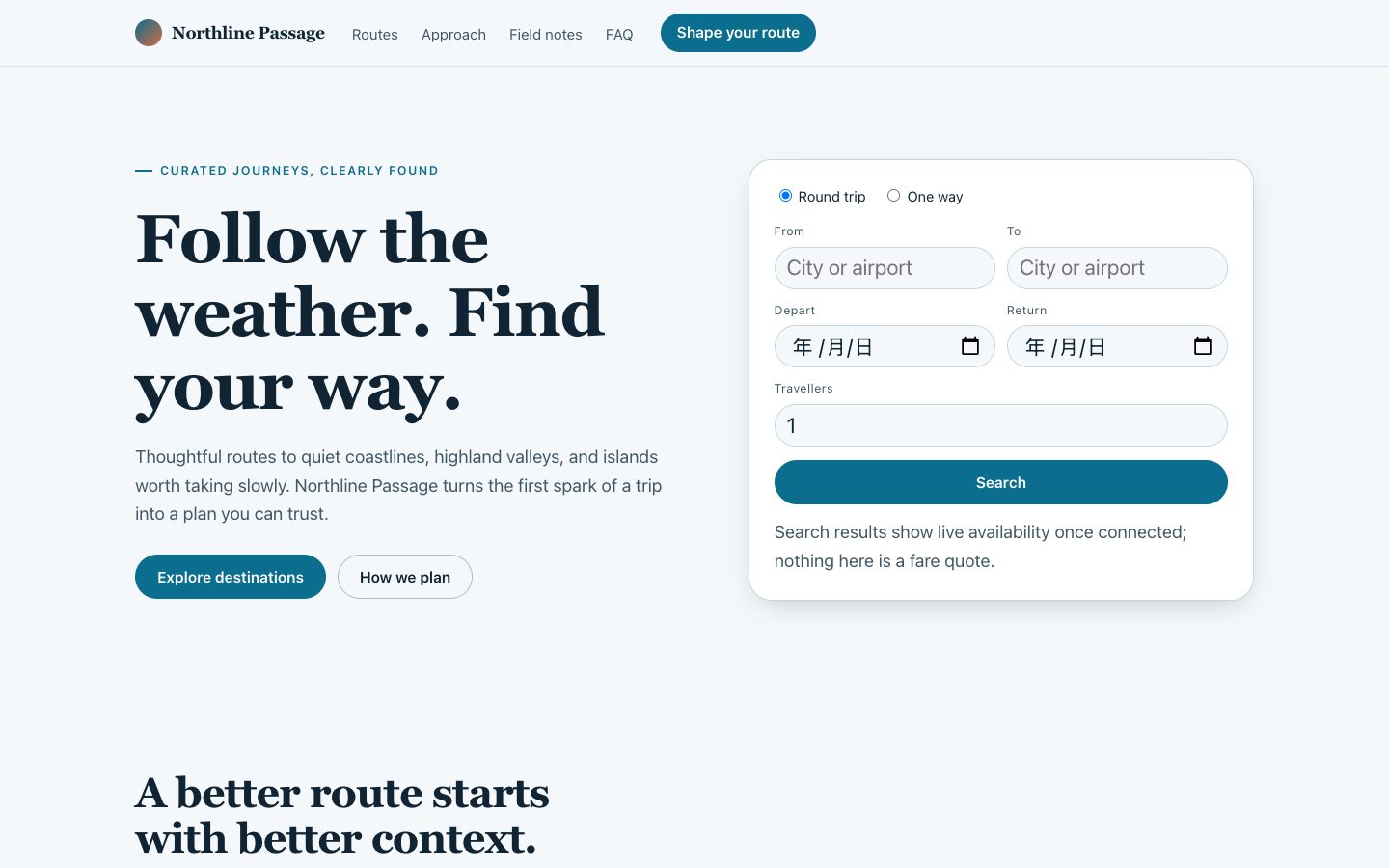
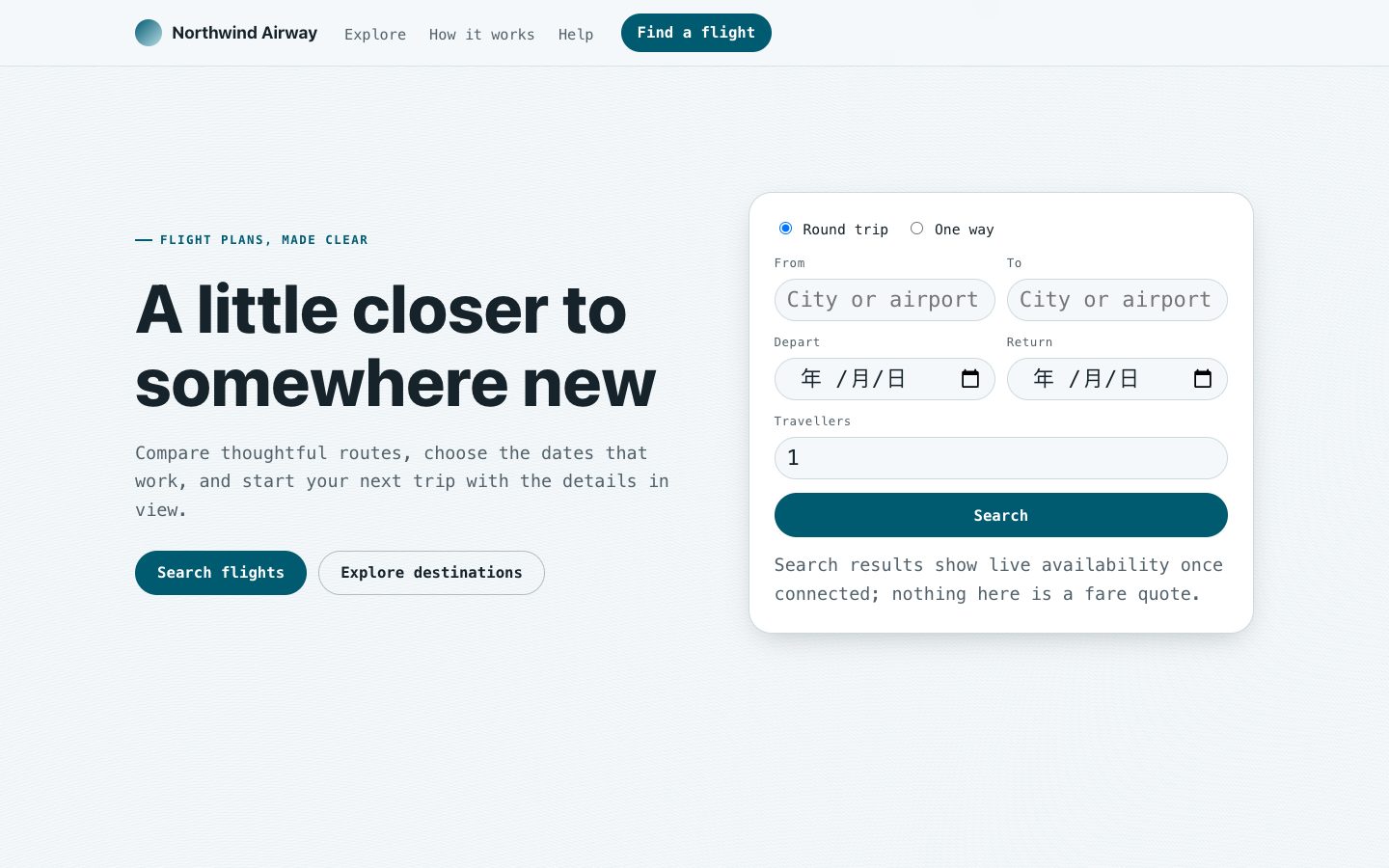
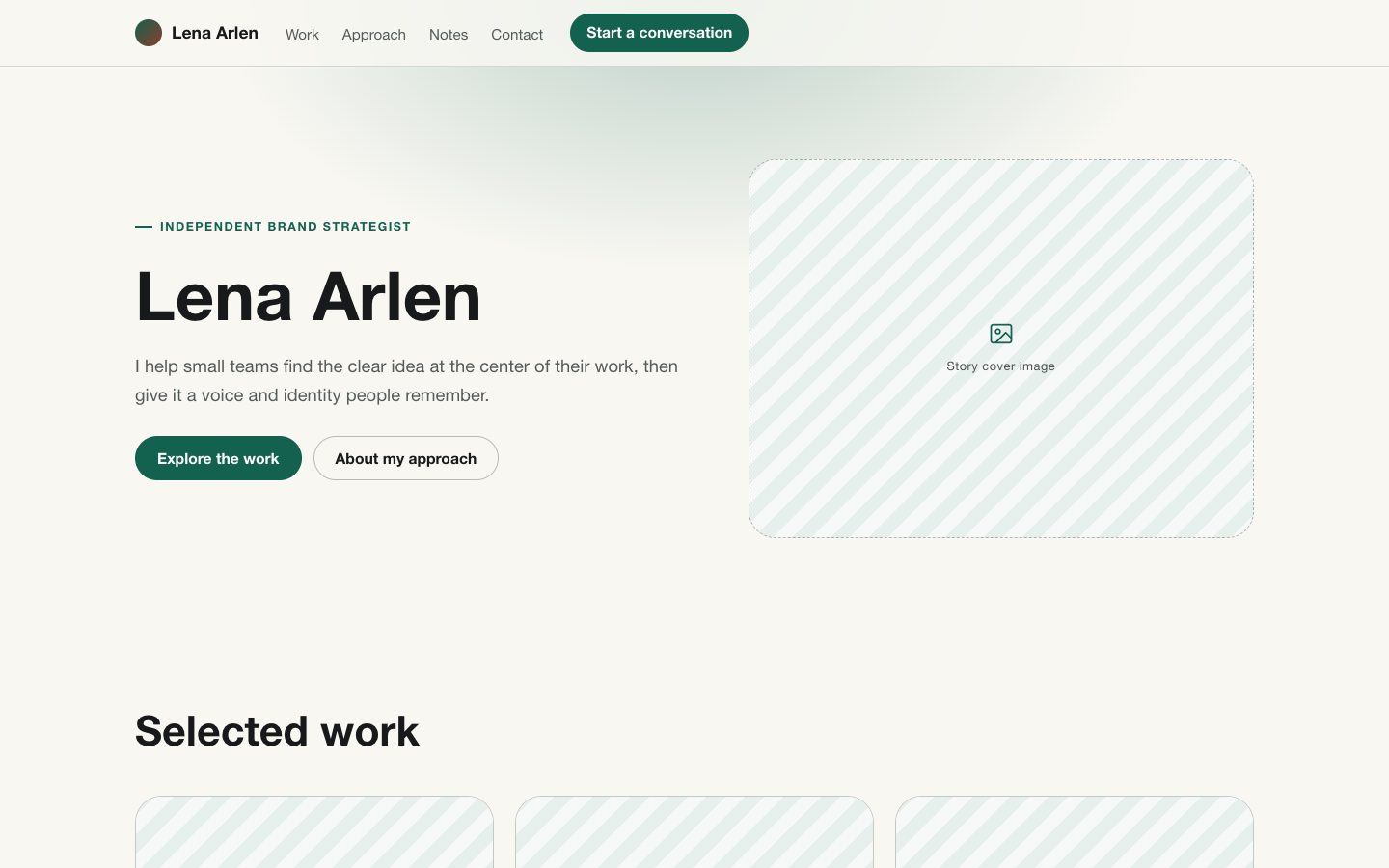
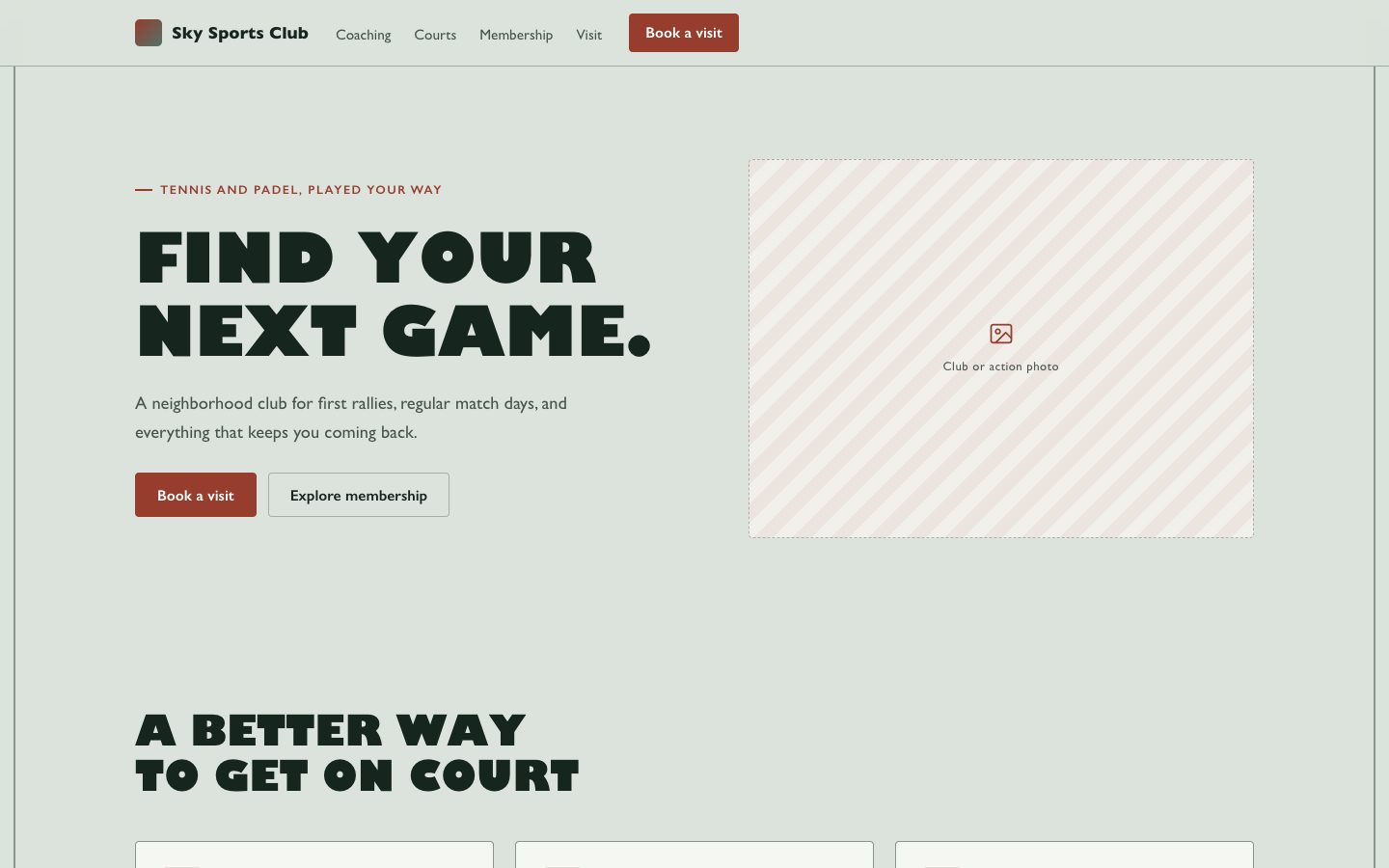
Cloud Jet Travel Landing Page
Works with: Claude Code, Cursor, OpenCode, Codex, Gemini CLI


All premium skills for $9.99/month. Cancel anytime.
Upgrade nowUse it to build a web page.
npx skillloom-cli install sl-alpine-travel-agency-landing-page
Updated Oct 5, 2026

 WebVerified
 WebVerified
 WebVerified
 WebVerified
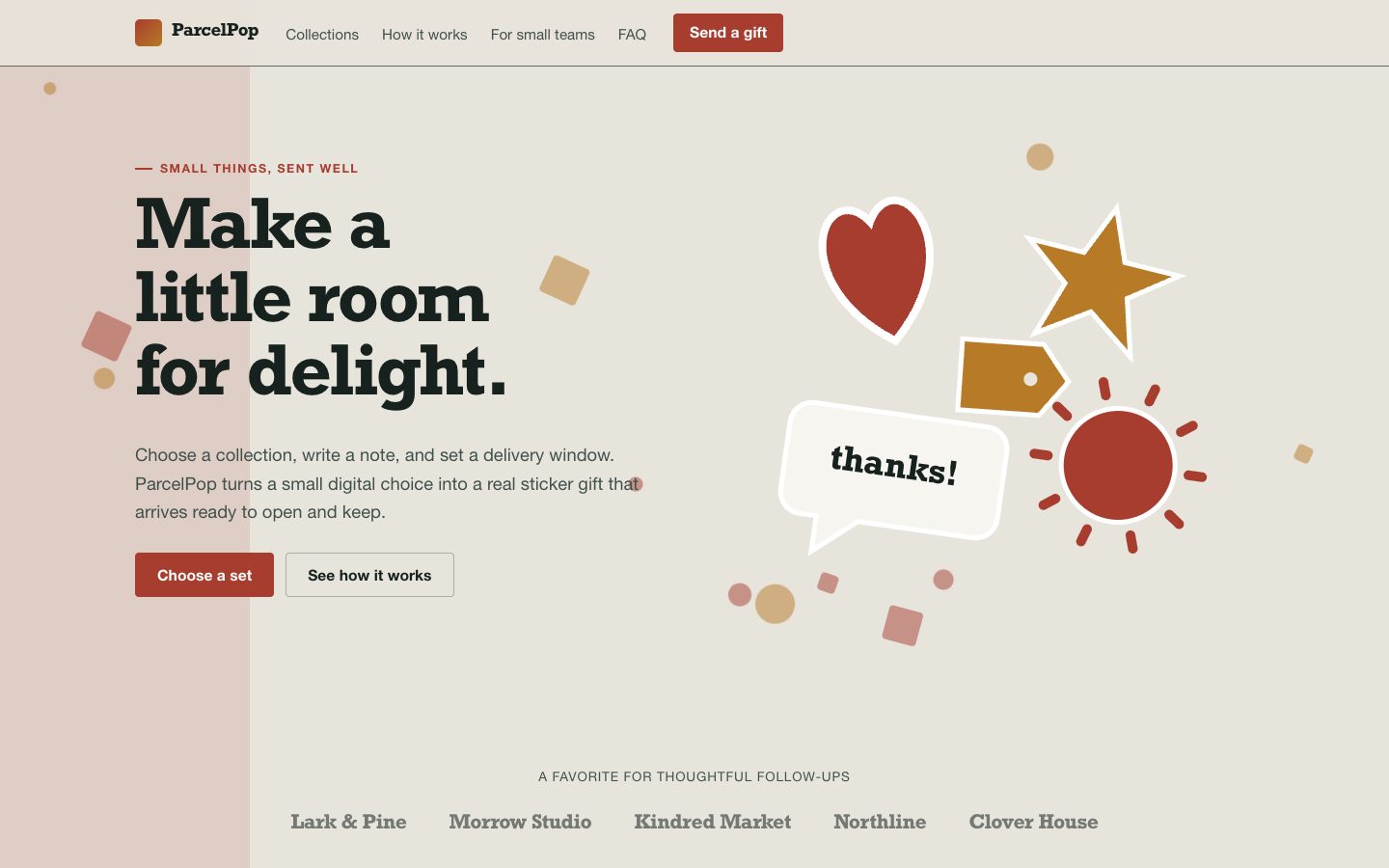 WebVerified
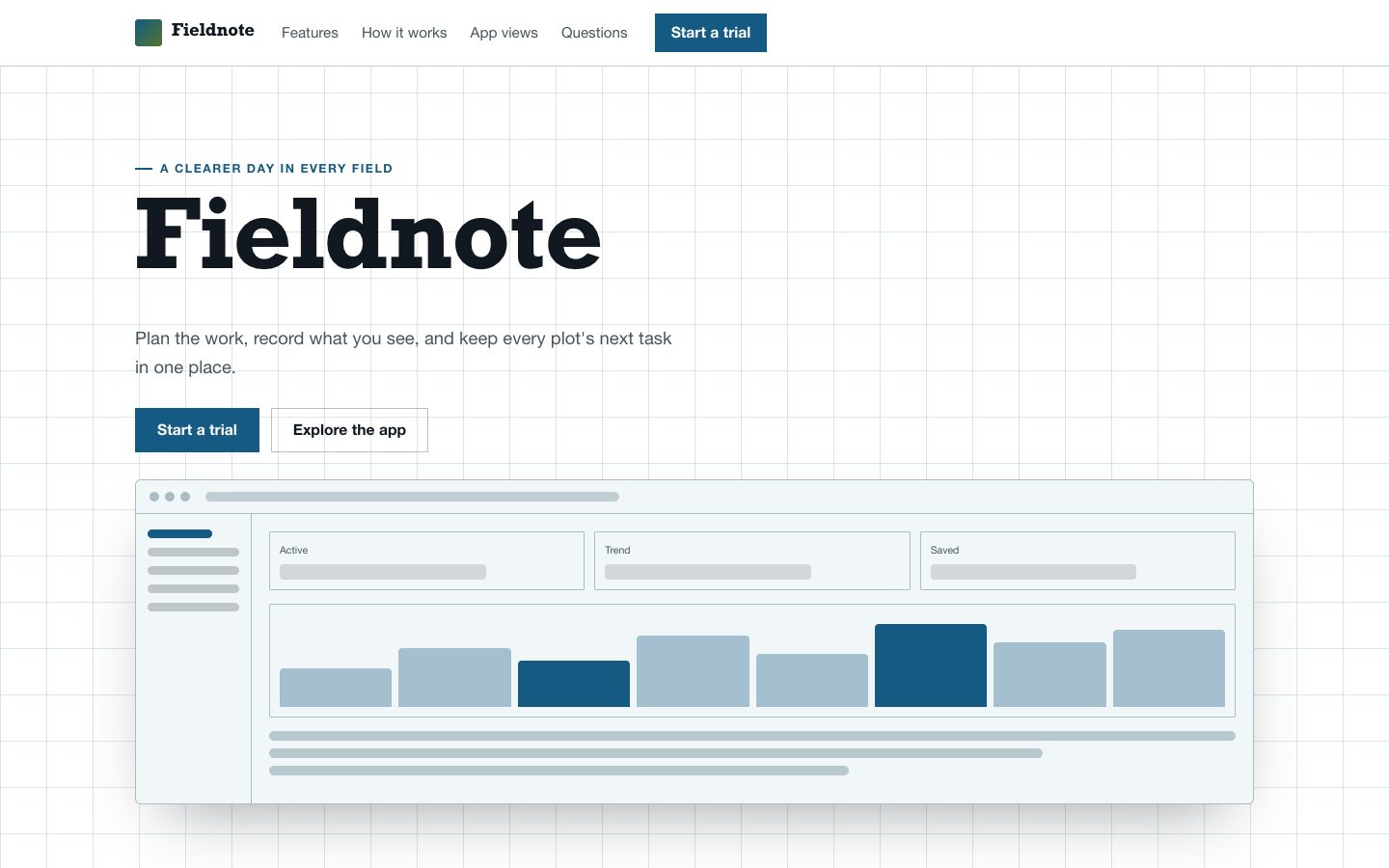 WebVerified
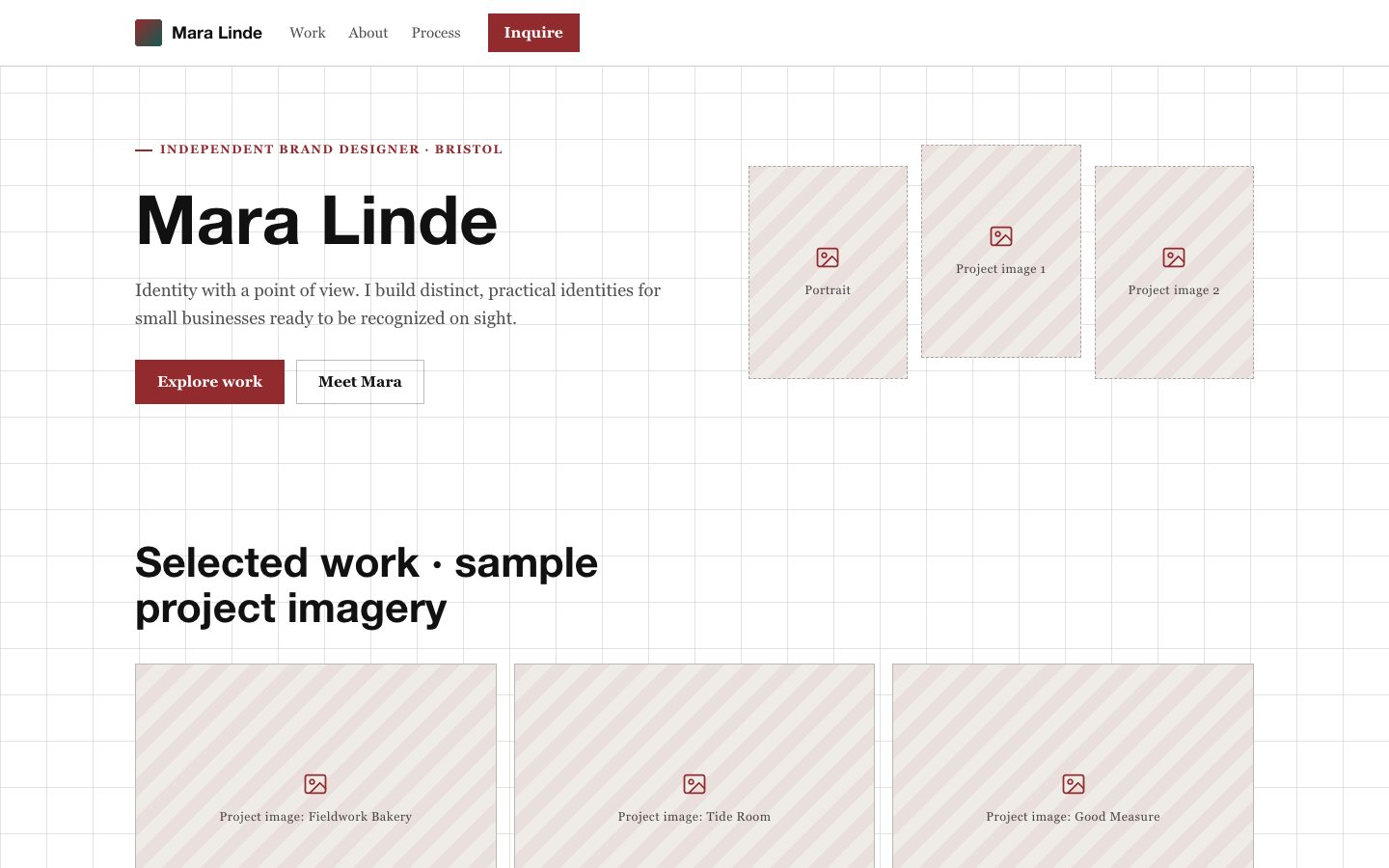 WebVerified
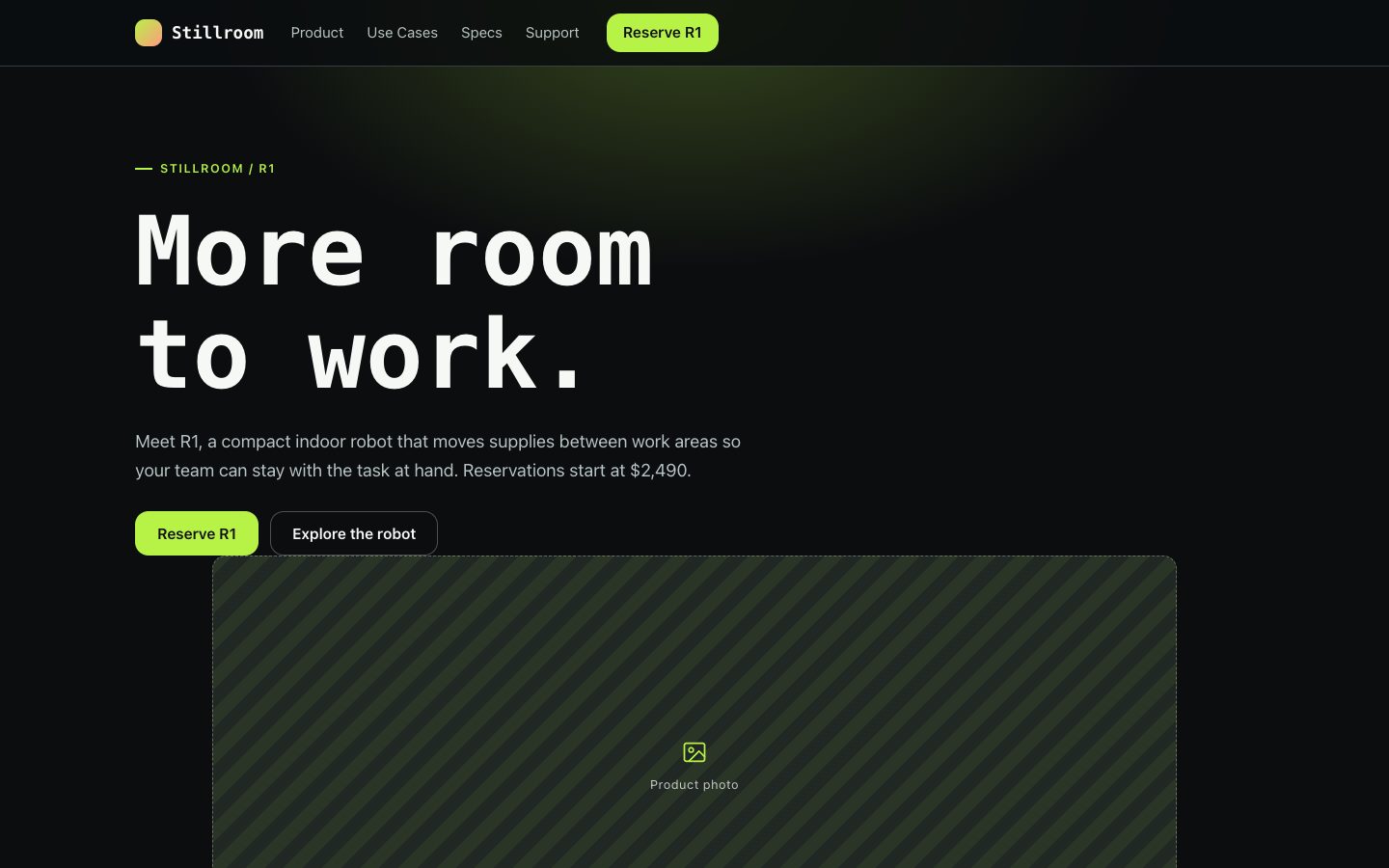 WebVerified
You say
/sl-alpine-travel-agency-landing-page Build an accessible mobile-first landing page for fictional Northline Alpine’s small-group High Valley alpine travel service. In order: nav, split hero with trip finder, route gallery, four planning features, route-planning section, four route facts, four-step guide, FAQ, closing CTA, footer. Use “Find your route above the tree line.” and “Find matching routes”. Alpine Signal style: ridge imagery, black rules, restrained red marks, humanist type.
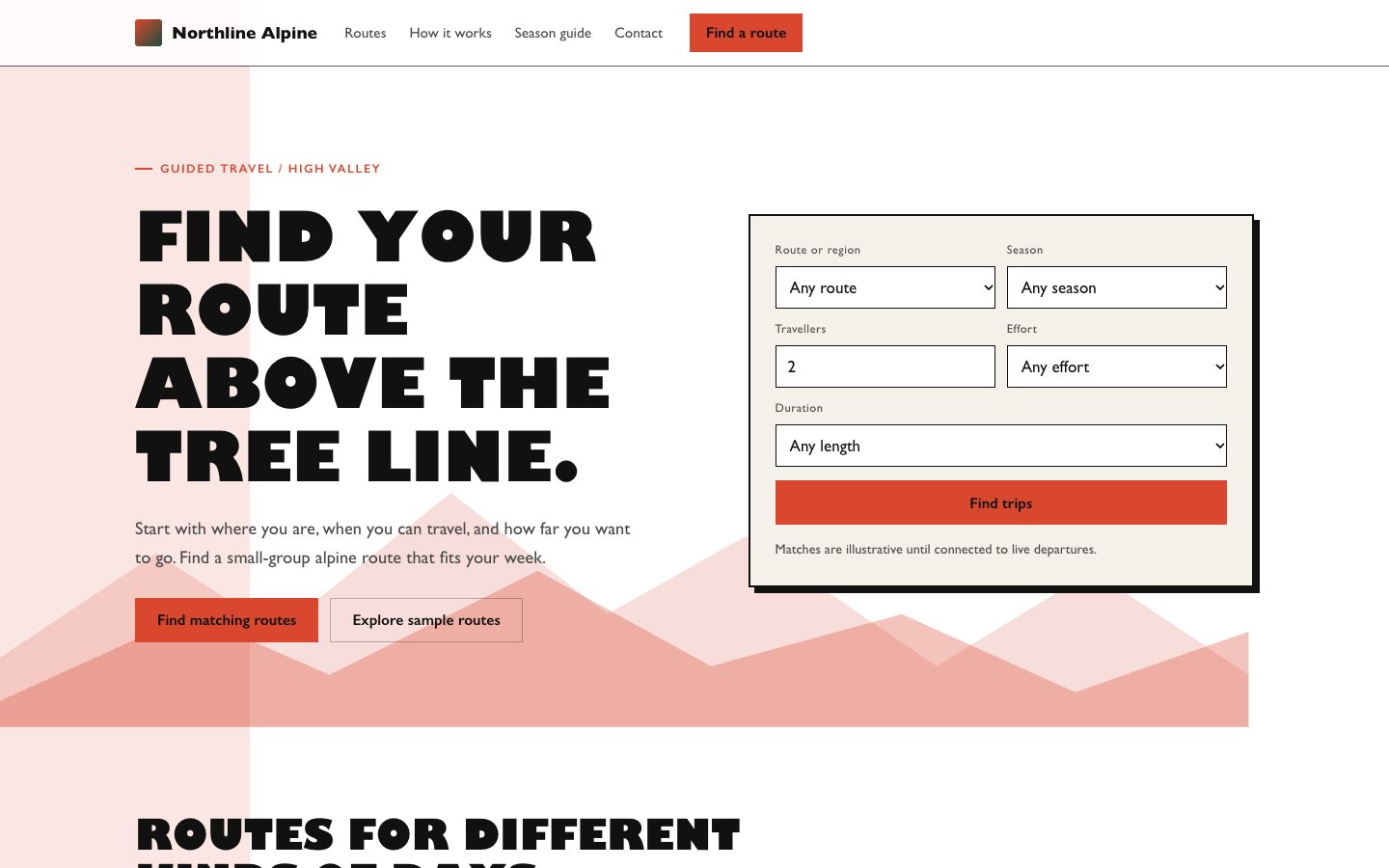
Turn the trip finder into a working multi-step quiz that reveals a matching itinerary card without changing the visual style.
Port this page to React and split destinations, trip data, and navigation into editable data objects.
Add a lightweight CMS-friendly content model for destinations, seasons, elevation, and enquiry form settings.
No external services. Runs entirely on your agent.
5.0/ 5
Render score
Verified
| Real render check | Verified | 5.0 / 5 | 47s |
|---|
Yes. The offline page should expose labeled route-matching fields and a clear action. Its sample match or enquiry state can later be connected to an approved email, CRM, or booking endpoint.
Scenic alpine photography is recommended, but replaceable asset slots can also hold route maps, elevation diagrams, and tightly cropped field details while assets are being finalized.
Yes. Preserve the section order, visual rules, finder controls, content hierarchy, and responsive behavior when porting the self-contained HTML.