 Free
FreeDevice-Canvas Product Story Film
A locally rendered product-launch film that turns a real user problem into a dimensional device reveal, focused interface moment, and evidence-led ending.
A short launch film that repeats one prompt across four product surfaces, turning a request into visible work. Built for social feeds with hard cuts, readable interface moments, and proof grounded in the material you provide.
No external services or generation models. Renders locally.
/sl-agent-chorus-capability-reel-story-film Make a 29-second 16:9 social launch film for fictional workspace Project Desk. Open with “One request. Four surfaces.” and “A launch update is waiting.” Show a feature request moving through Capture, Plan, Build, and Publish, then an illustrative release checklist. Close with “View the workflow.” Use the skill’s Four-Surface Chorus style.
Verified
| render-check | pass | 4.0 / 5 | 62s |
No. Screenshots or verified interface details are enough for an HTML/CSS reconstruction. Any invented details are identified as illustrative.
Yes, when you provide the source and approve the wording. Otherwise the film uses a visible workflow artifact as proof.
Turn one product request into a brisk, four-surface story that shows the work and ends on the brand.
Style: Four-Surface Chorus. Precise and propulsive, with each repeated prompt revealing a new piece of visible progress. Follow references/style-guide.md exactly.
If something essential is missing, ask one short question before starting. Never invent facts, numbers, quotes or customer names; mark gaps as [needs source].
references/motion-contract.md and references/style-guide.md. Their rules are fixed for this skill.references/scene-map.md from the brief (4-8 scenes, 20-45 s). Never invent product numbers, names or quotes; ask for anything required that is missing.references/composition.html to film/composition.html. Keep the stage, the ambient layer, the progress line and the fit script.data-start, data-duration and the absolute animation-delay values, and set <html data-duration> to the sum of scene durations.:root block exactly as given in the style guide. Do not add colors or webfonts.film/composition.html in a browser to preview; it plays in real time. Reload to replay.node scripts/render.mjs film/composition.html --out film.mp4 --fps 30 (install once: npm i -D playwright-core && npx playwright install chromium; FFmpeg must be on PATH).ffmpeg -ss <t> -i film.mp4 -frames:v 1 cut.png) and check that nothing is cropped, overlapping or frozen. ``bash node scripts/validate-video.mjs film.mp4 --min-seconds 20 --max-seconds 45 ``
film.mp4: H.264, 30 fps, 1280x720, 20-45 seconds.film/composition.html: the editable single-file composition that produced it (re-render any time with scripts/render.mjs).The preview is a reference render of the bundled composition with sample copy. In a real run the agent rewrites the scenes from the user's brief and assets, re-times the composition and renders a fresh MP4 that meets the output contract above.
FreeA locally rendered product-launch film that turns a real user problem into a dimensional device reveal, focused interface moment, and evidence-led ending.
 $4.99
$4.99A social-ready partnership film that turns a joint announcement into a short story: the handoff problem, the shared workflow, visible evidence, and an equal-weight partner lockup. Built locally from editable HTML and CSS.
 $4.99
$4.99A locally rendered product film that pairs cream editorial paper with a dark terminal window, serif story headlines, oversized cursor clicks, and evidence-led product reveals.
 $4.99
$4.99A short launch film that makes persistent chat tangible through a two-lane handoff story. A lost decision in the Before lane becomes a source-linked, actionable thread in the After lane, ending on an inspectable sample record.
 $4.99
$4.99Turn a software product brief into a short, text-led explainer film. A continuous white canvas, shifting dot-raster depth, and restrained warm-on-cool product moments make the story feel cohesive without stock footage.
 $4.99
$4.99Turn a software launch into a concise social film built from precise interface reveals, drafting annotations, and visible proof. The result is a rendered MP4, not a static motion template.
 Free
FreeA guided video-narrative skill for turning one measurable product promise into a sharp launch film. It combines count-up typography, cursor-led UI choreography, editorial answer lines, and near-black interface panels on a white field.
 $14.99
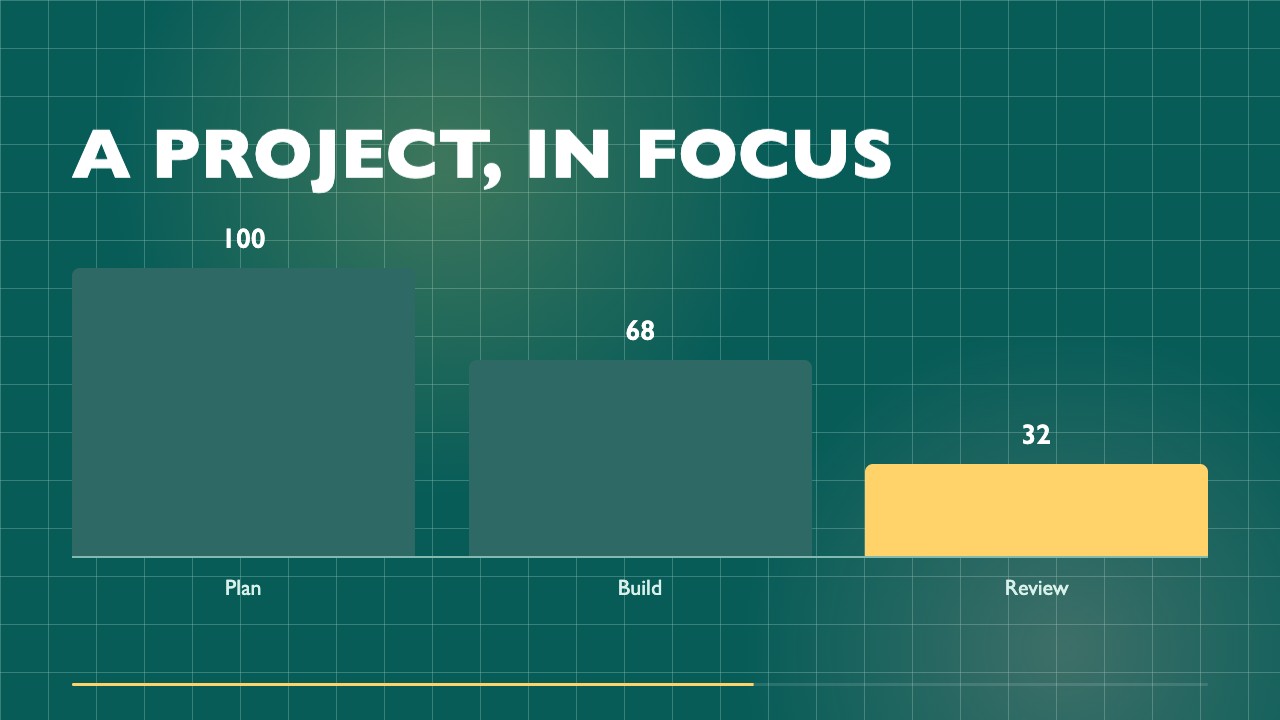
A 48-second, ten-scene product-launch film rendered to MP4 from editable HTML/CSS. Saturated color, precise grid composition, and measured typography give software announcements a cinematic feel without inventing product claims.