
ImagePremium Verified

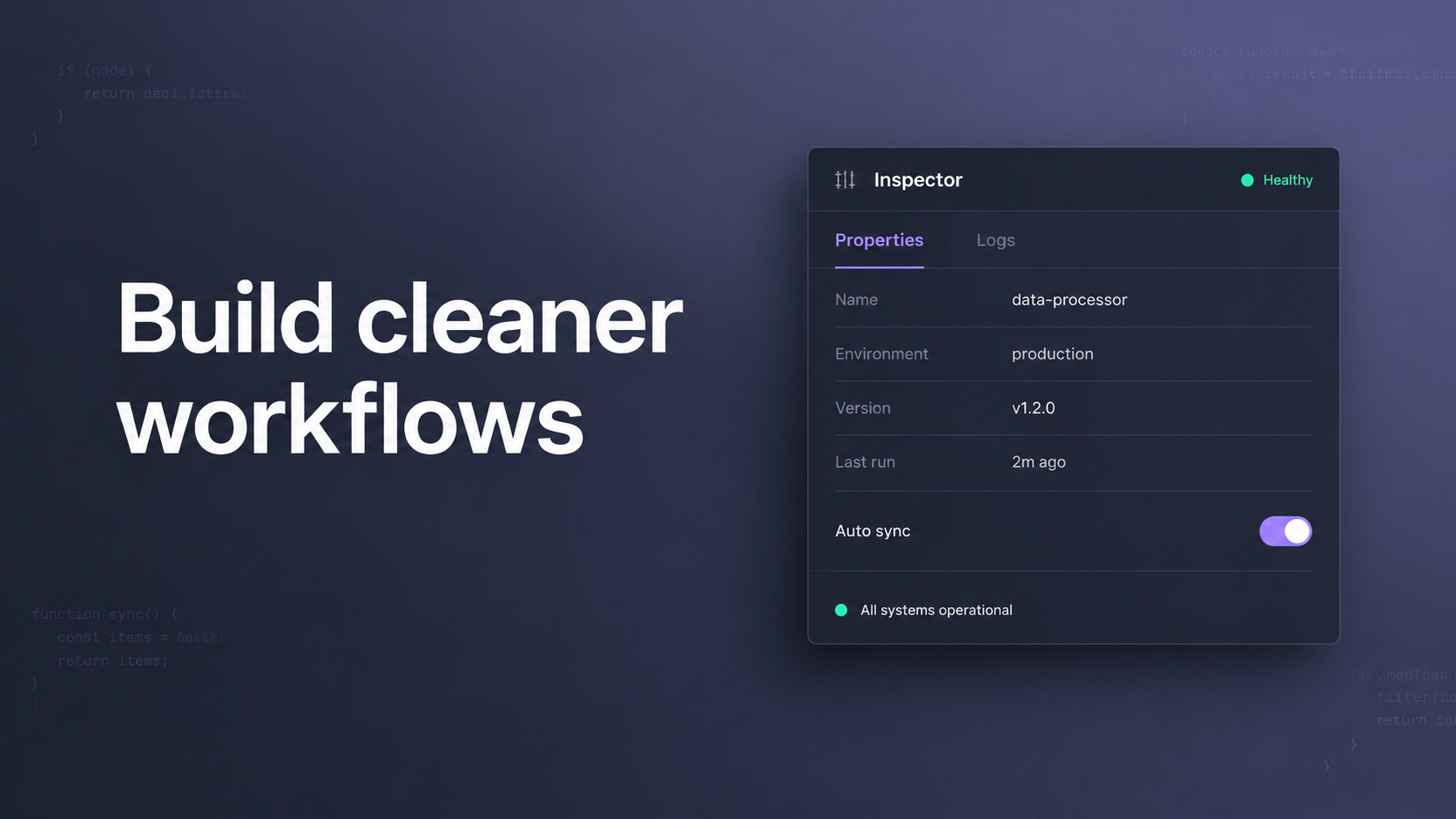
Faint Code Texture Inspector Panel OG Image

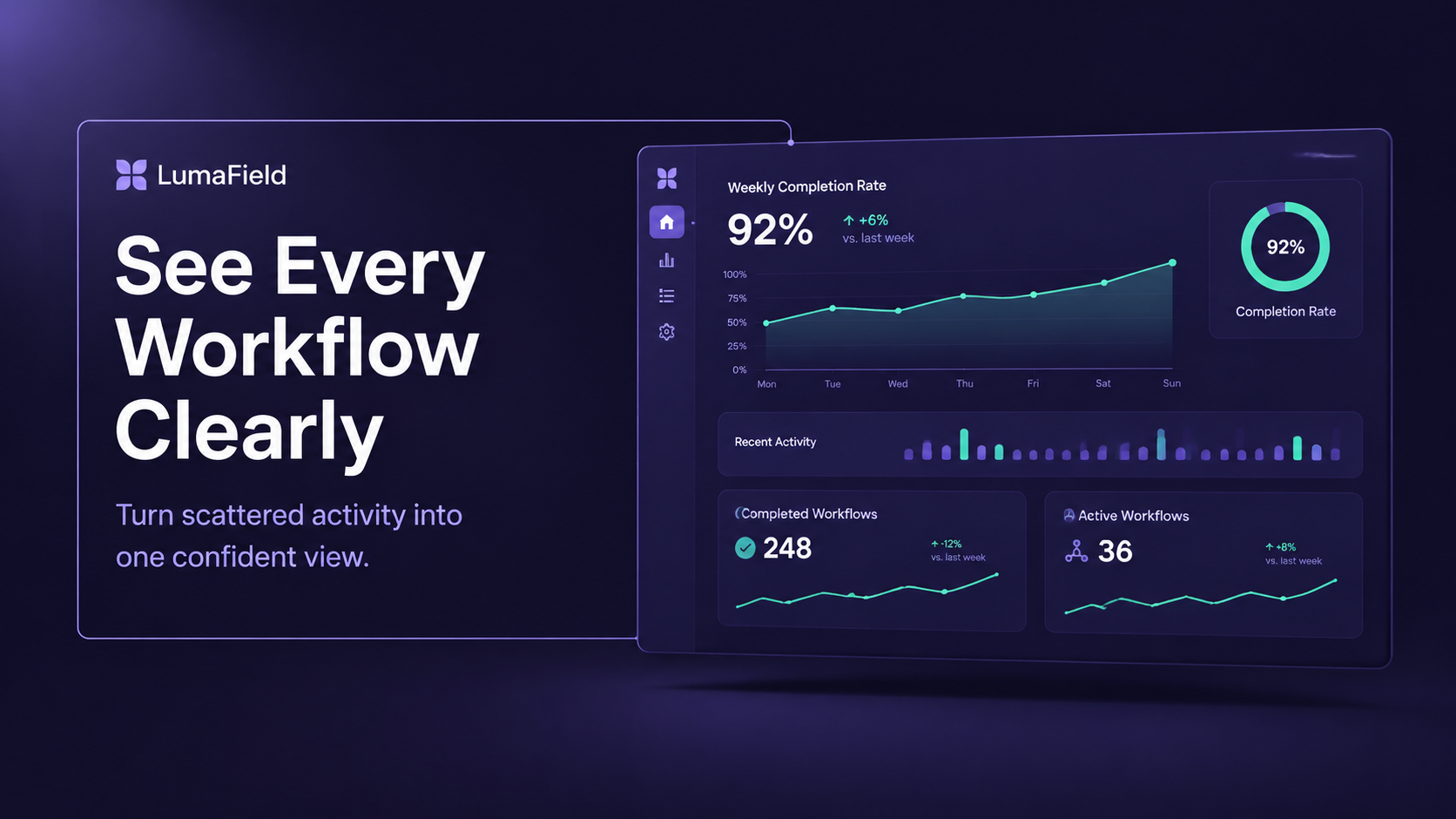
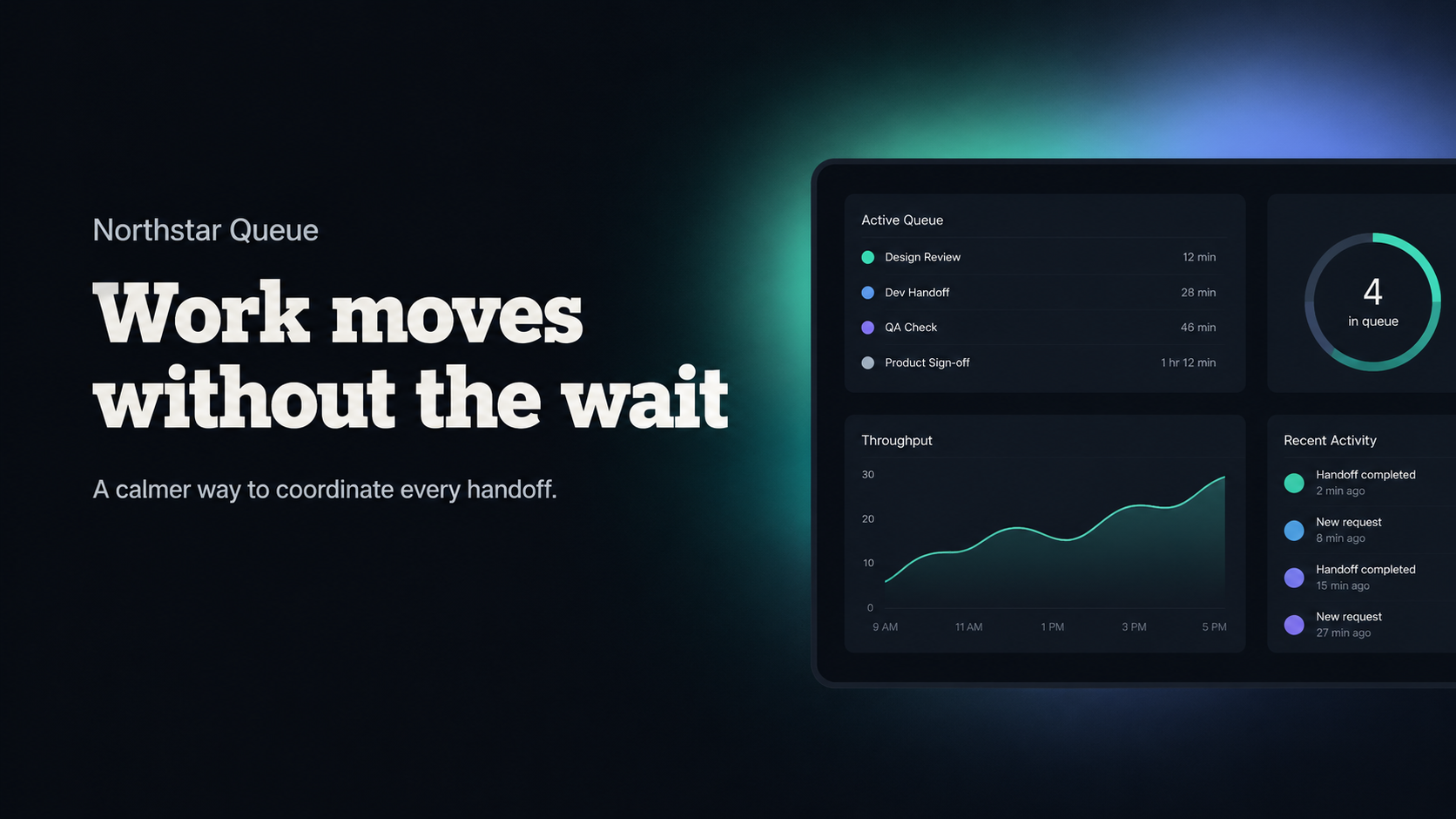
Create a software-launch sharing cover with an oversized inspector panel, barely visible code texture, and a restrained purple-blue gradient. Use this style when publishing a product page or launch announcement that needs a distinctive, readable, series-consistent OG image.

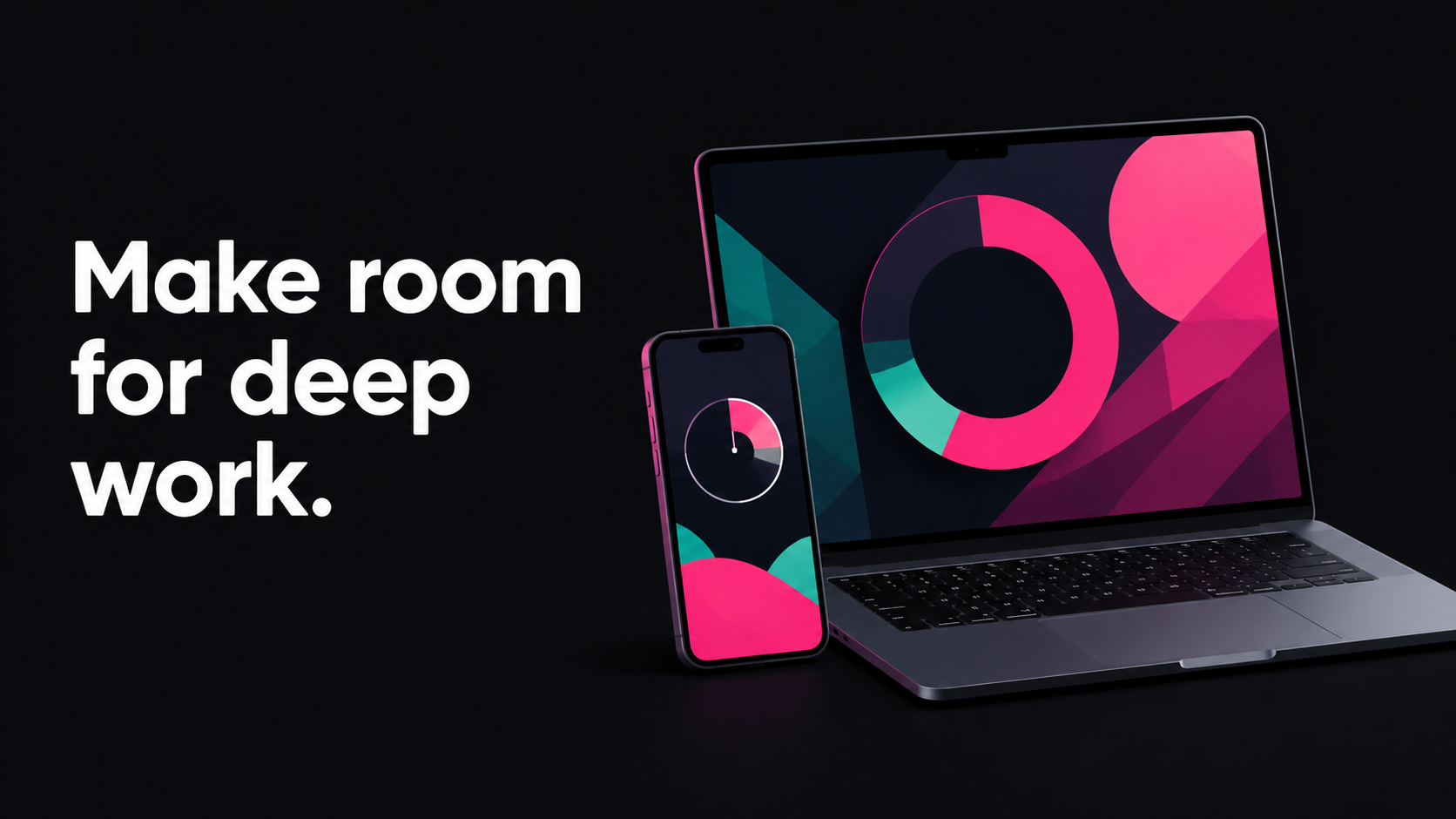
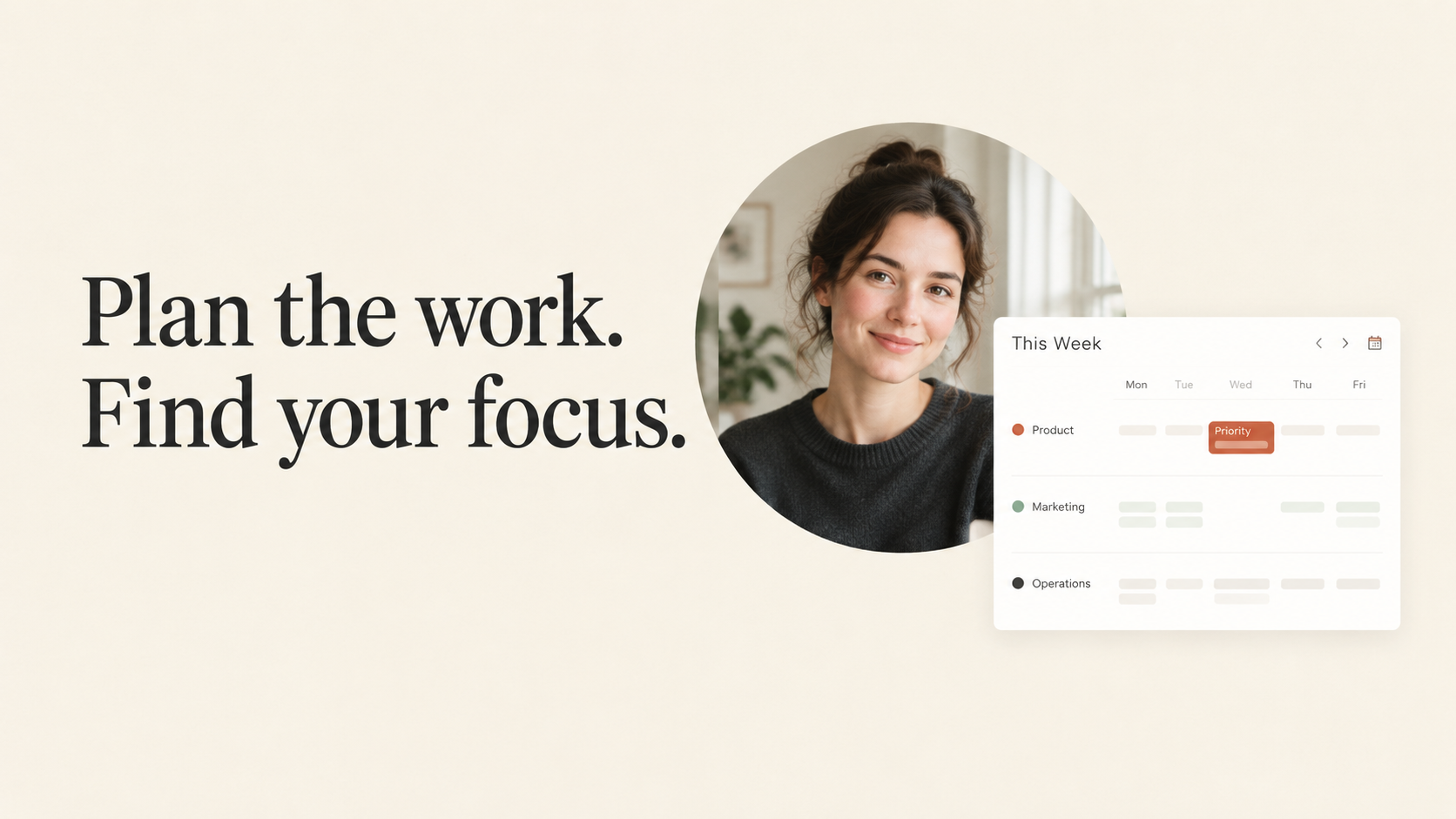
sl-faint-code-texture-inspector-panel-og-image sample output

What you get

  • One polished 16:9 social sharing image at 1200px or wider.
  • An oversized, plausible inspector panel over subtle code texture.
  • A prominent, accurately rendered headline with thumbnail-scale legibility.

Good fit

  • Software product launches and web-publishing previews.
  • A brand series that needs a recognizable interface-led visual system.

Not for

  • Detailed UI walkthroughs or screenshot-accurate product documentation.
  • People-led campaigns or layouts requiring extensive copy.

What you provide

  • Product or project name and exact headline.
  • Optional descriptor, accent preference, and crop constraints.

Requirements

  • Node.js 20+
  • A SkillLoom generation key (prepaid)

Running cost

Each image is generated with your prepaid SkillLoom generation key (about $0.05 per image at 1K). Subscriptions do not include generation credits.

A typical run costs about $0.05 at sub2api prices, charged to your prepaid key.

Try this prompt

/sl-faint-code-texture-inspector-panel-og-image Create a 16:9 launch cover for fictional product Lattice Harbor. Show the headline exactly: Build cleaner workflows. Include the small label Workflow inspector and one oversized fictional inspector panel, with faint code fragments behind it. Use a muted slate ground and restrained lavender-purple-blue light; no logo or watermark.

Follow-up prompts

  • Keep the same visual system and replace the headline with: Ship with confidence.
  • Reduce the panel detail and make the headline the primary focus.

Verification

Verified

render-checkpass4.0 / 572s

FAQ

Can the image include my actual interface?

This style creates a fictional, simplified inspector panel, not a faithful screenshot. Supply only details you want reflected in its small secondary controls.

How much text should I provide?

Use one concise headline of six words or fewer. The panel is visual context; avoid adding claims or small text that must be read.

Similar skills

Faint Code Texture Inspector Panel OG Image · SkillLoom