 $4.99
$4.99Inputs Converge To One Motion Clip
Turn three content sources into one clear editorial outcome in a short, editable b-roll animation. Designed for publishing recaps, educational explainers, and series transitions.
A restrained chapter transition that turns one lesson heading into a readable stack of key details, ready for a recurring education series.
No external services or generation models. Renders locally.
/sl-chapter-to-stacked-detail-motion-clip Create an 8-second 16:9 Chapter Detail Stack motion clip for Lesson Series. Open with “Chapter 04” and “Build a clearer lesson”; move through stating the idea, showing one example, and naming the next step. Close with “Chapter 04 · A clearer lesson”. Use clean, structured stacked typography.
Verified
| render-check | pass | 4.0 / 5 | 26s |
Yes. The source keeps the chapter text and detail rows editable so the same motion system can be reused.
No. The composition is built in HTML/CSS and rendered to MP4 locally with system fonts.
$4.99Turn three content sources into one clear editorial outcome in a short, editable b-roll animation. Designed for publishing recaps, educational explainers, and series transitions.
 $4.99
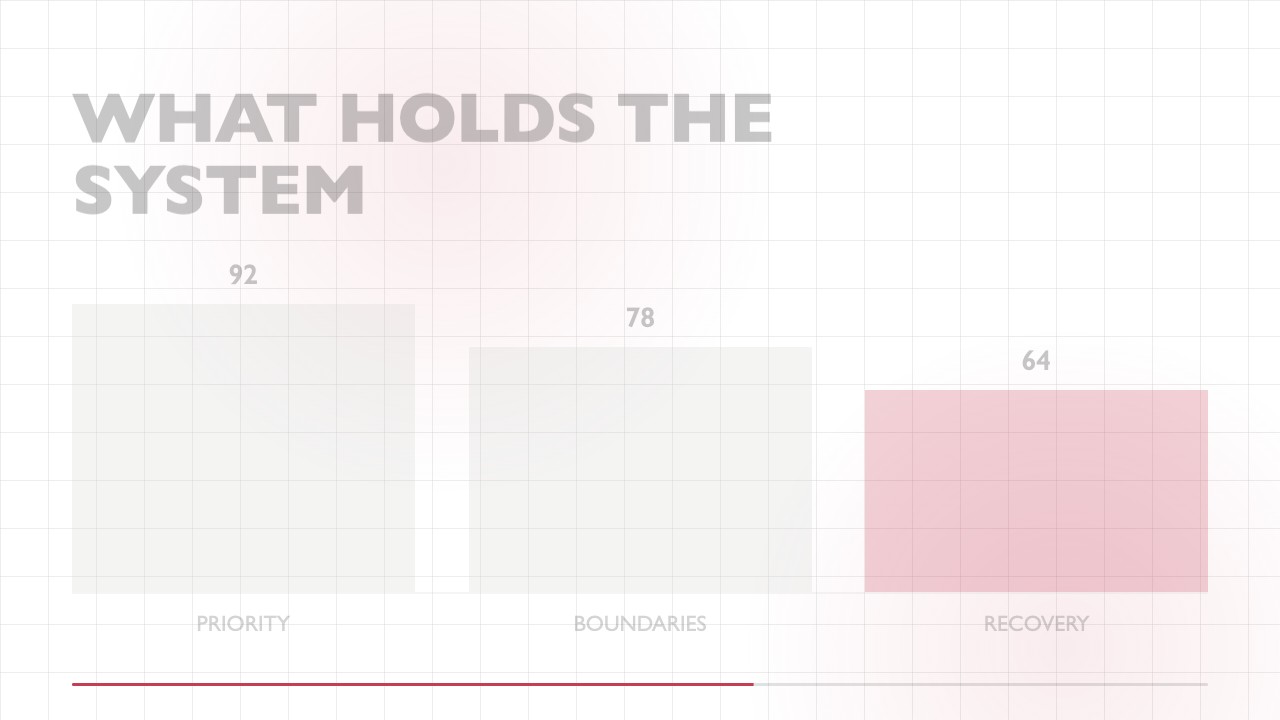
$4.99A focused editorial b-roll animation that gathers a small set of keywords into a clear, high-contrast conclusion. It uses a sparse grid, humanist typography, restrained motion, and one accent color for educational posts, social explainers, and recurring content series.
 $4.99
$4.99A wide editorial b-roll clip that makes a two-result comparison easy to scan, then swaps emphasis to reveal the stronger outcome with precise, reusable motion.
 $4.99
$4.99Turn one audience question into a crisp, typographic response clip for educational posts and short-form publishing. The editable composition reveals an answer line by line on a minimal white canvas.
 $4.99
$4.99A focused wide b-roll animation for turning one response or teaching point into a polished editorial moment. It uses restrained type movement, a single accent, and a reusable end frame so social creators can publish consistent series content quickly.
 $4.99
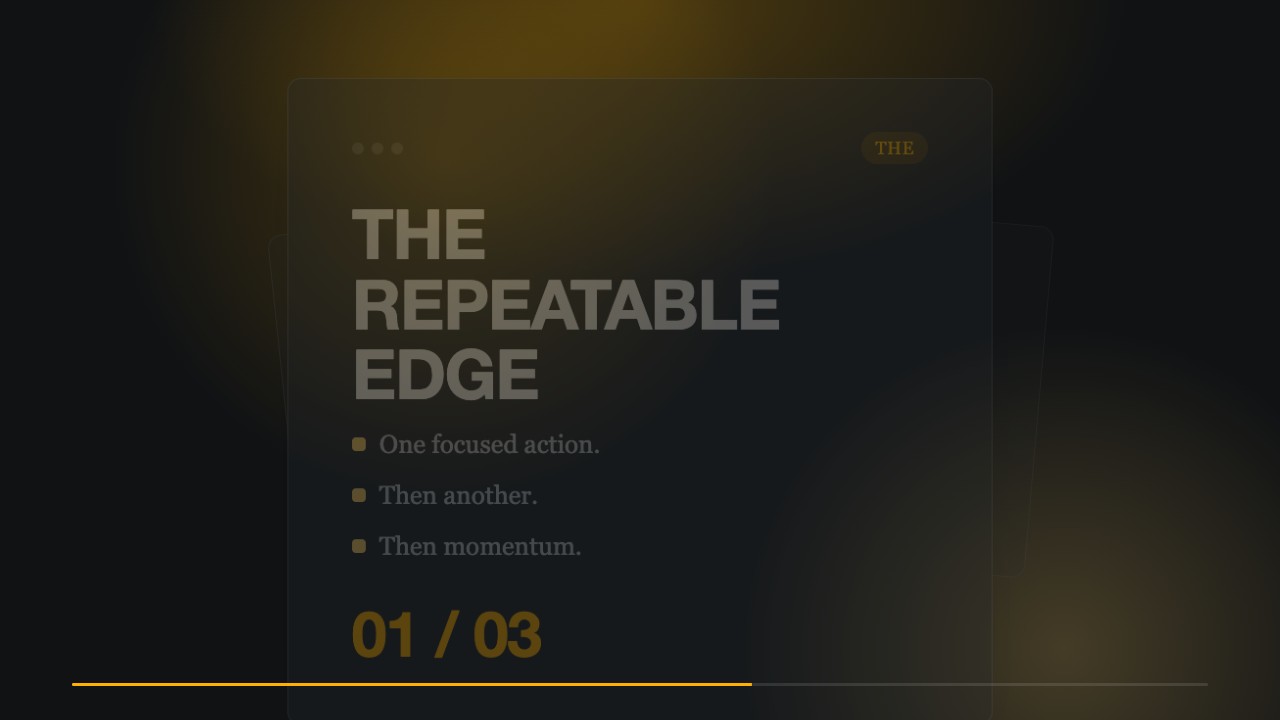
$4.99A restrained editorial motion clip for turning one clear idea into a memorable publishing beat. Dark space, heavy grotesk type, and a single amber glow create a premium, series-consistent b-roll moment.
 $4.99
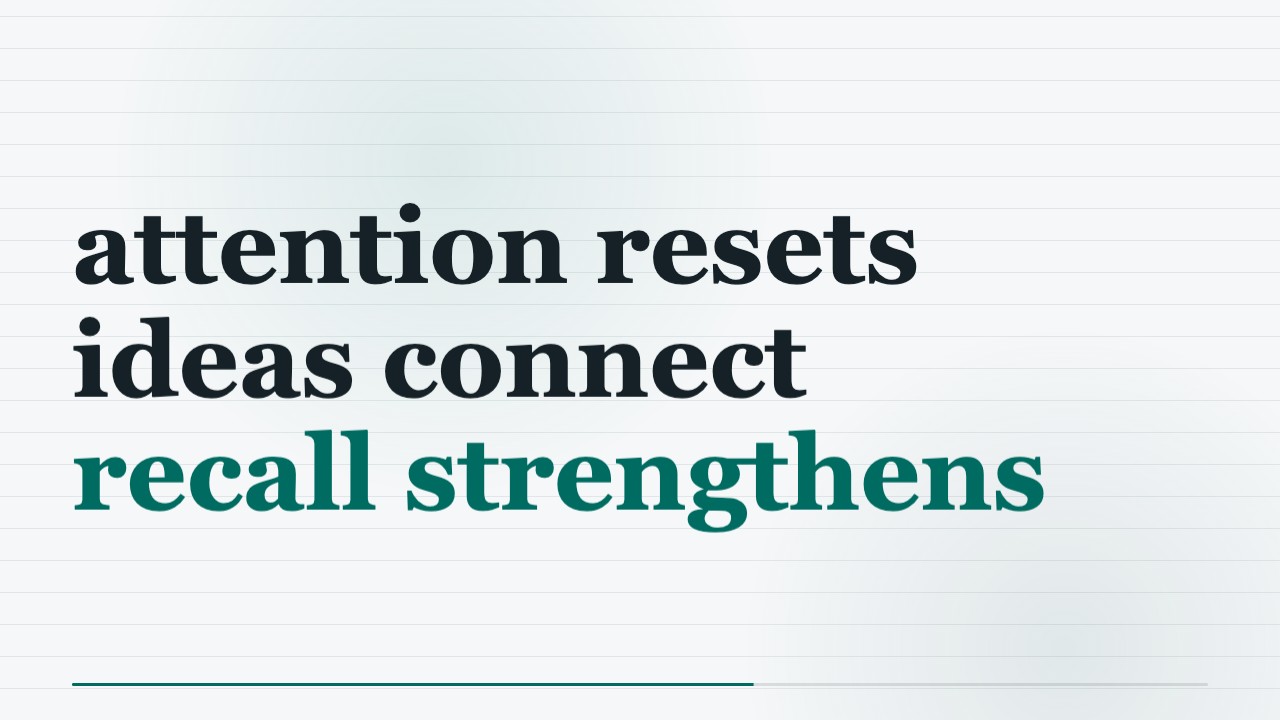
$4.99Make a concise educational b-roll clip in a minimalist editorial style, using aligned columns, fine rules, and precise annotations. The locally rendered MP4 and editable HTML/CSS keep the motion polished and easy to adapt for a publishing series.
 $4.99
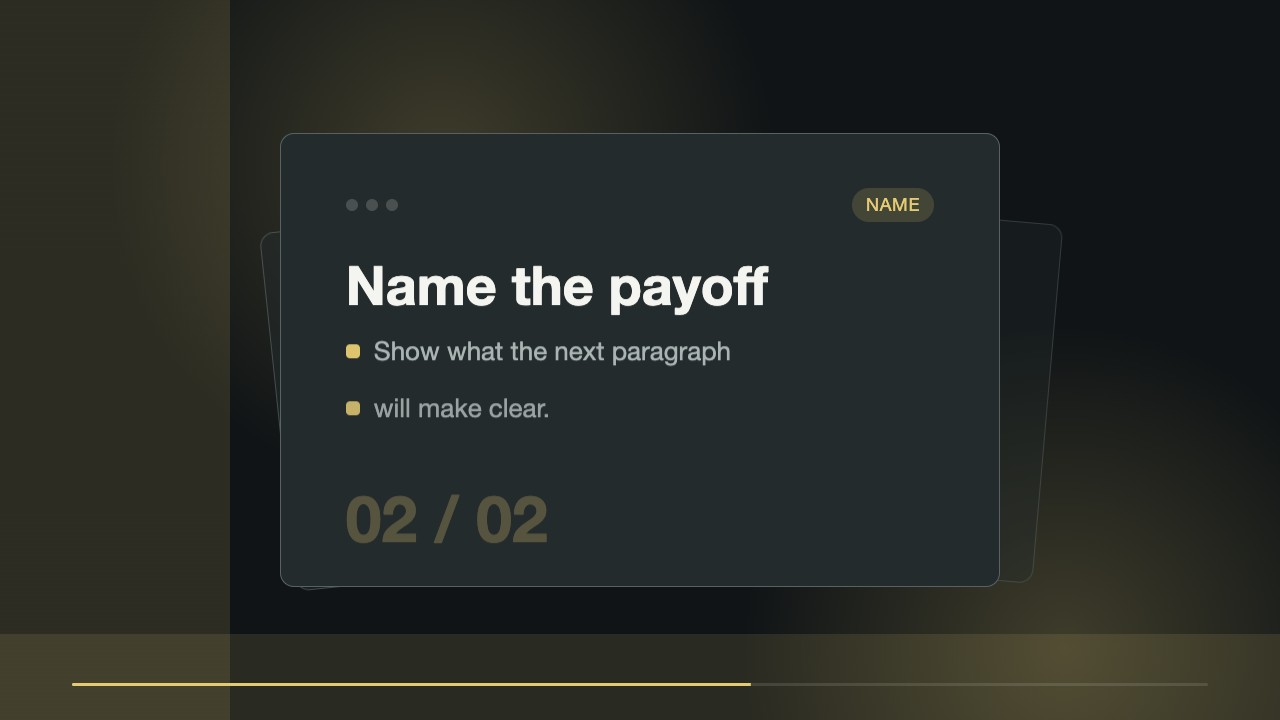
$4.99A short editorial b-roll clip that reveals a focused annotation from a fixed typographic anchor. Built for creators who need a repeatable visual cue for teaching points, with editable source files and a locally rendered MP4.