 $4.99
$4.99Inputs Converge To One Motion Clip
Turn three content sources into one clear editorial outcome in a short, editable b-roll animation. Designed for publishing recaps, educational explainers, and series transitions.
A polished wide b-roll animation for revealing a chapter, lesson, or editorial section with framed typography, quiet pacing, and a single controlled accent.
No external services or generation models. Renders locally.
/sl-browser-chapter-reveal-motion-clip Create a 9-second 16:9 chapter reveal for the fictional lesson “READING THE SIGNAL,” opening with “READING THE SIGNAL” and chapter 04. Move through “NOTICE,” “COMPARE,” and “CONNECT,” then show “Small changes become visible patterns.” with supporting lines about attention, sequence, and useful context. Close with “READING THE SIGNAL.” Keep the motion quiet and editorial.
Verified
| render-check | pass | 4.0 / 5 | 36s |
Yes. The title, index, supporting line, and metadata are separate editable content fields in the HTML/CSS composition.
The default treatment uses four scenes across roughly nine seconds: title reveal, supporting words, chapter card, and end lockup.
Yes. Preserve the frame inset and left rail while replacing the accent and copy with the approved series values.
$4.99Turn three content sources into one clear editorial outcome in a short, editable b-roll animation. Designed for publishing recaps, educational explainers, and series transitions.
 $4.99
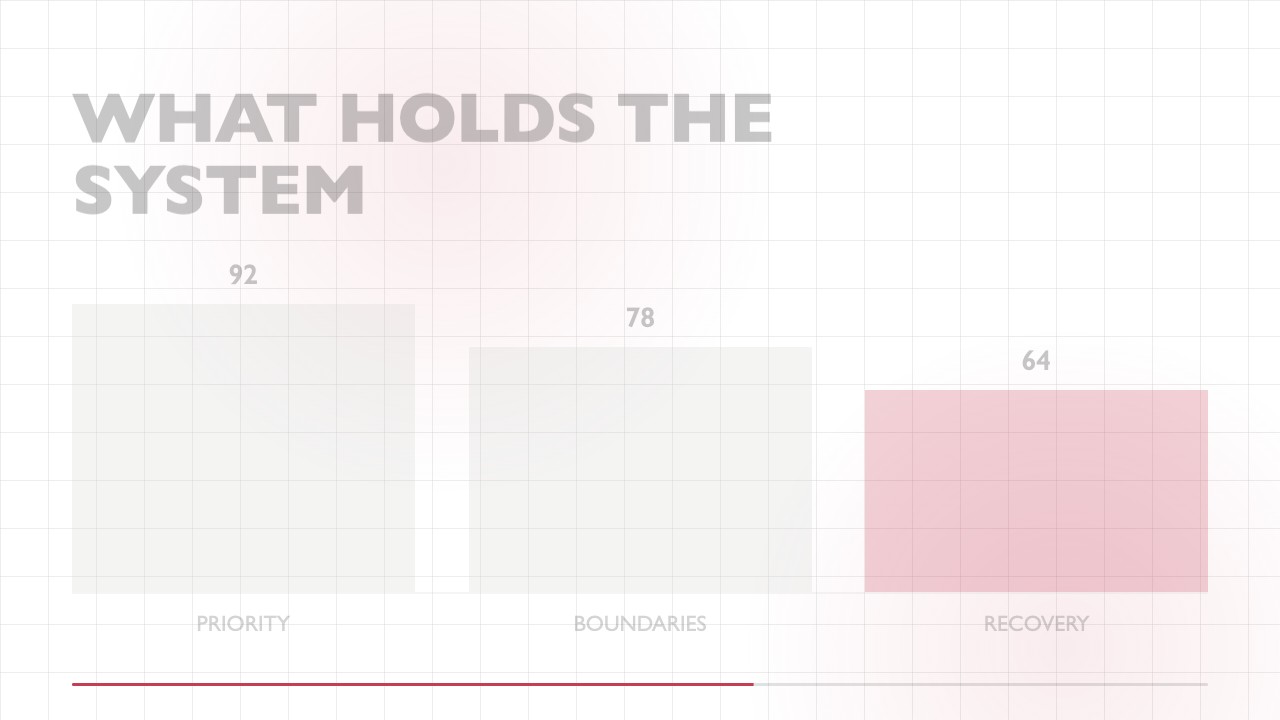
$4.99A focused editorial b-roll animation that gathers a small set of keywords into a clear, high-contrast conclusion. It uses a sparse grid, humanist typography, restrained motion, and one accent color for educational posts, social explainers, and recurring content series.
 $4.99
$4.99A wide editorial b-roll clip that makes a two-result comparison easy to scan, then swaps emphasis to reveal the stronger outcome with precise, reusable motion.
 $4.99
$4.99Turn one audience question into a crisp, typographic response clip for educational posts and short-form publishing. The editable composition reveals an answer line by line on a minimal white canvas.
 $4.99
$4.99A focused wide b-roll animation for turning one response or teaching point into a polished editorial moment. It uses restrained type movement, a single accent, and a reusable end frame so social creators can publish consistent series content quickly.
 $4.99
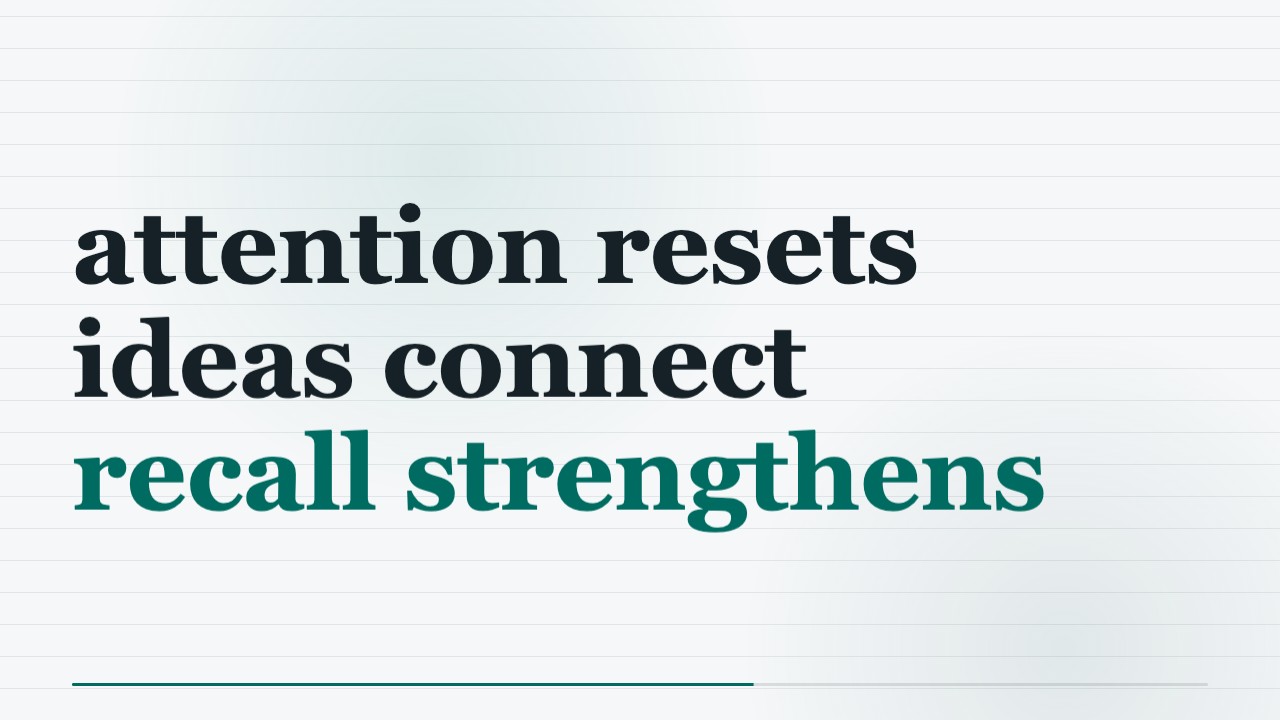
$4.99A restrained editorial motion clip for turning one clear idea into a memorable publishing beat. Dark space, heavy grotesk type, and a single amber glow create a premium, series-consistent b-roll moment.
 $4.99
$4.99Make a concise educational b-roll clip in a minimalist editorial style, using aligned columns, fine rules, and precise annotations. The locally rendered MP4 and editable HTML/CSS keep the motion polished and easy to adapt for a publishing series.
 $4.99
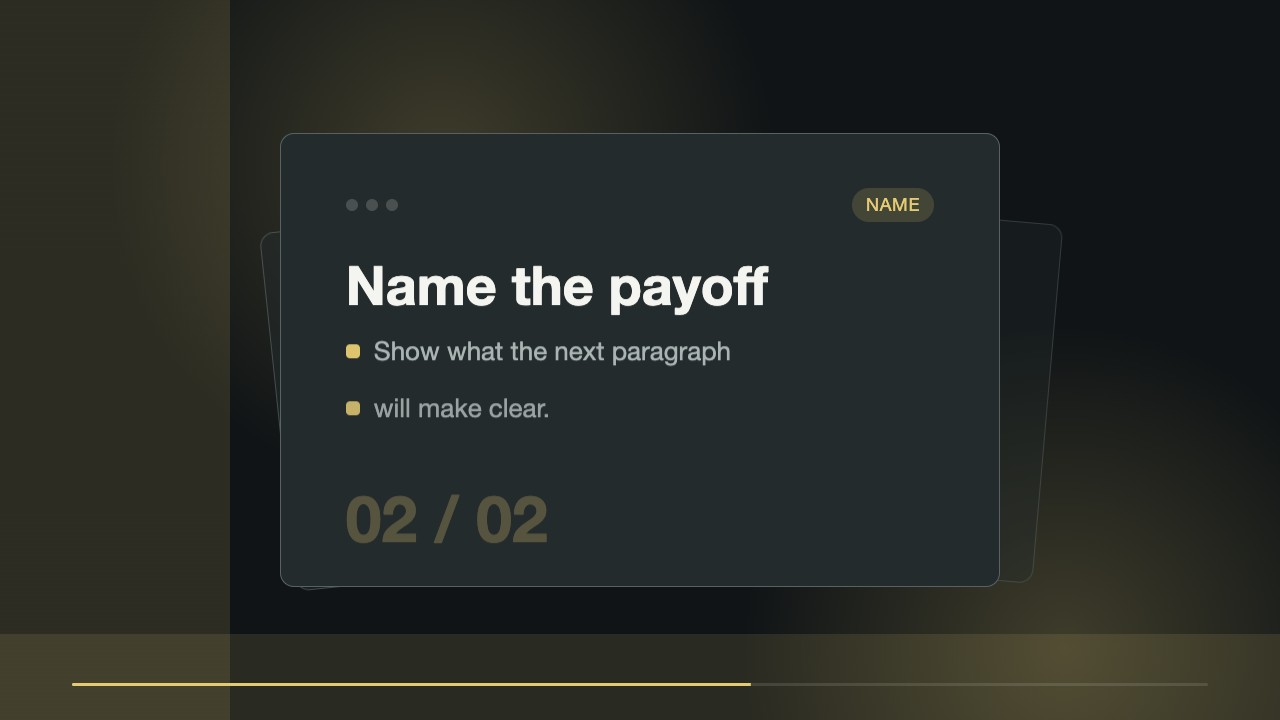
$4.99A short editorial b-roll clip that reveals a focused annotation from a fixed typographic anchor. Built for creators who need a repeatable visual cue for teaching points, with editable source files and a locally rendered MP4.